Your Year in Meetings: How to Create a Yearly Calendar Recap
Most professionals live inside their calendar. Meetings, calls, focus blocks, personal reminders — it’s all there.
Yet almost nobody looks back at it.
A yearly calendar recap turns your calendar into insights: how you actually spent your time, who you worked with most, and where your energy went.
This isn’t about vanity metrics. It’s about clarity.
Why a Calendar Recap Is Surprisingly Powerful
Your calendar is an objective record. No opinions. No memory bias.
A yearly recap helps you:
- See how much time meetings really took
- Spot overload, context switching, or burnout patterns
- Understand collaboration habits
- Make better decisions for next year
For busy professionals, this is gold.
What You Can Extract From a Calendar Recap
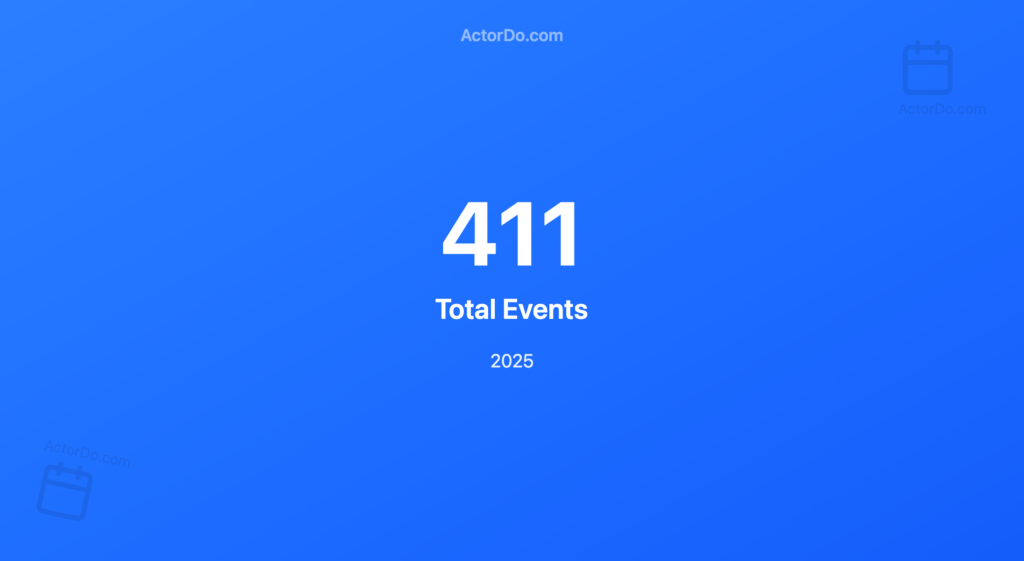
A proper yearly recap goes far beyond “number of meetings”.
Here are the most useful insights 👇
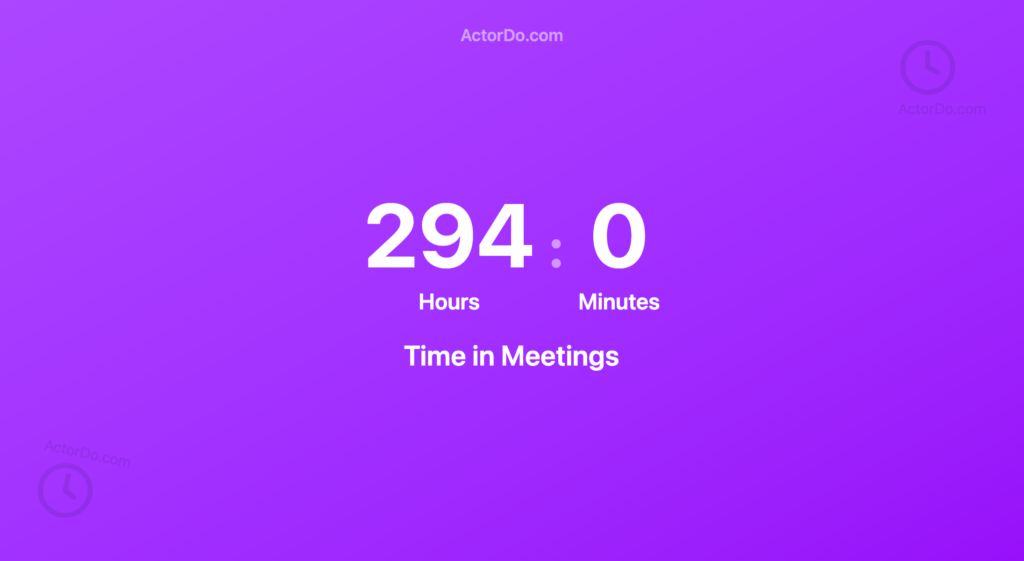
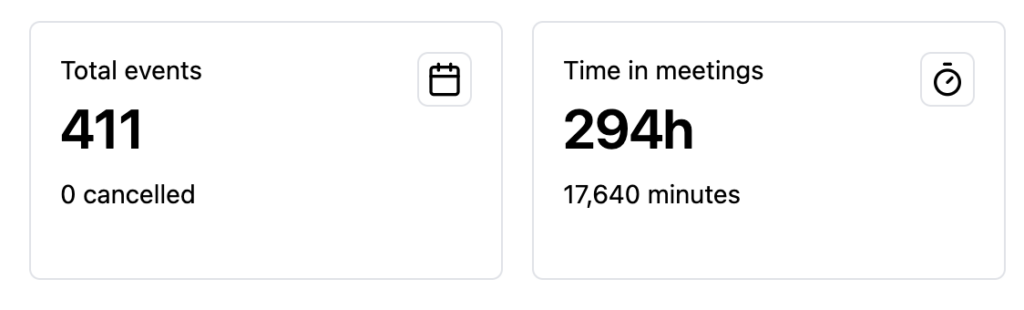
1. Total Time Spent in Meetings
Not just how many meetings — but hours.
You might discover:
- 30–40% of your working time went into calls
- Meetings are longer than you thought
- Short meetings slowly became long ones
This alone often triggers change.
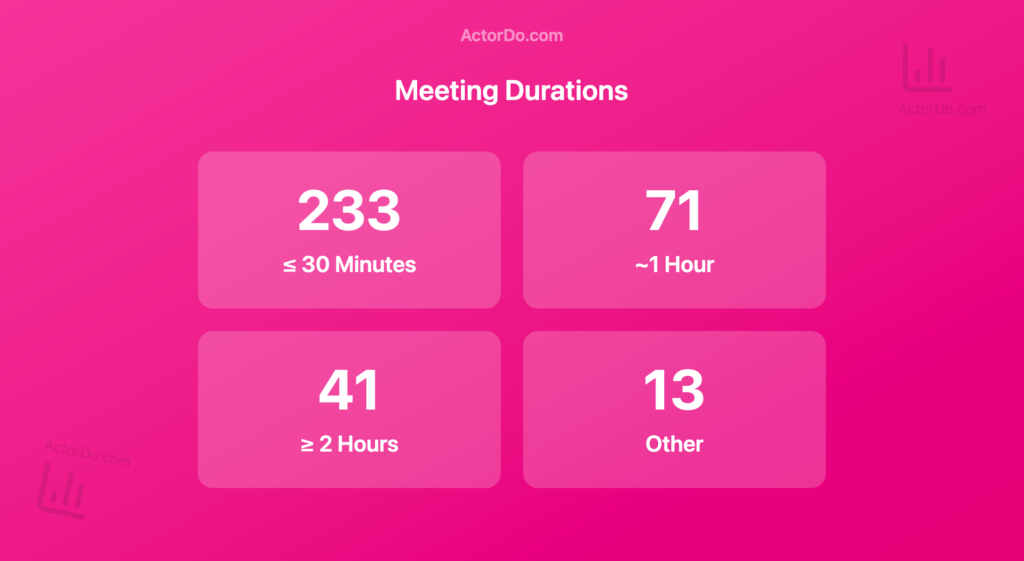
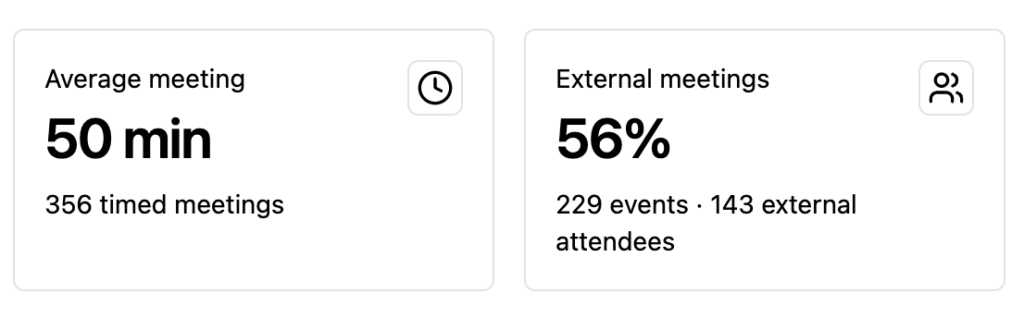
2. Average Meeting Length
Are your meetings:
- 15–30 minutes and focused?
- Or 60 minutes by default?
This helps you reset defaults and expectations.
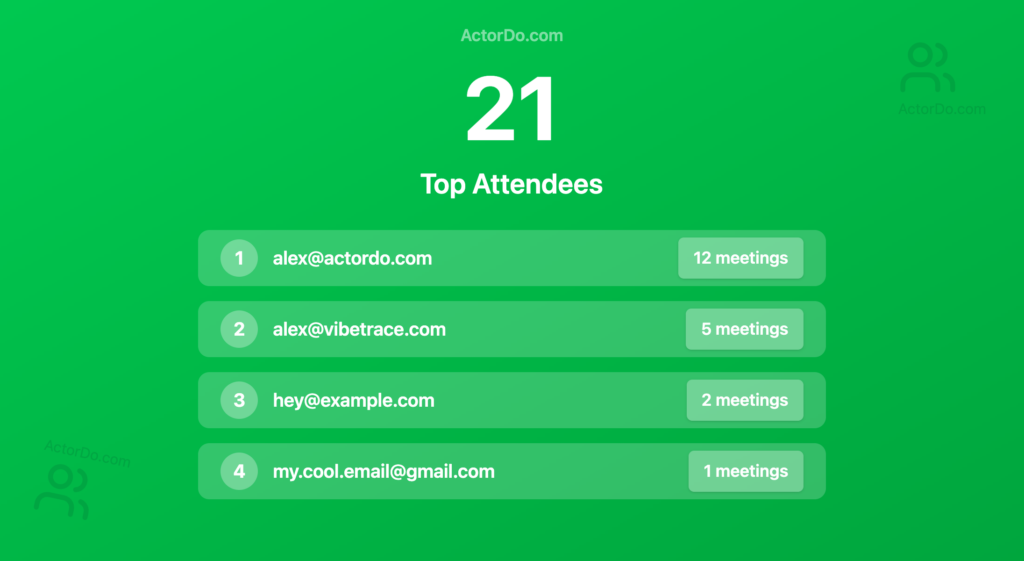
3. People You Met the Most
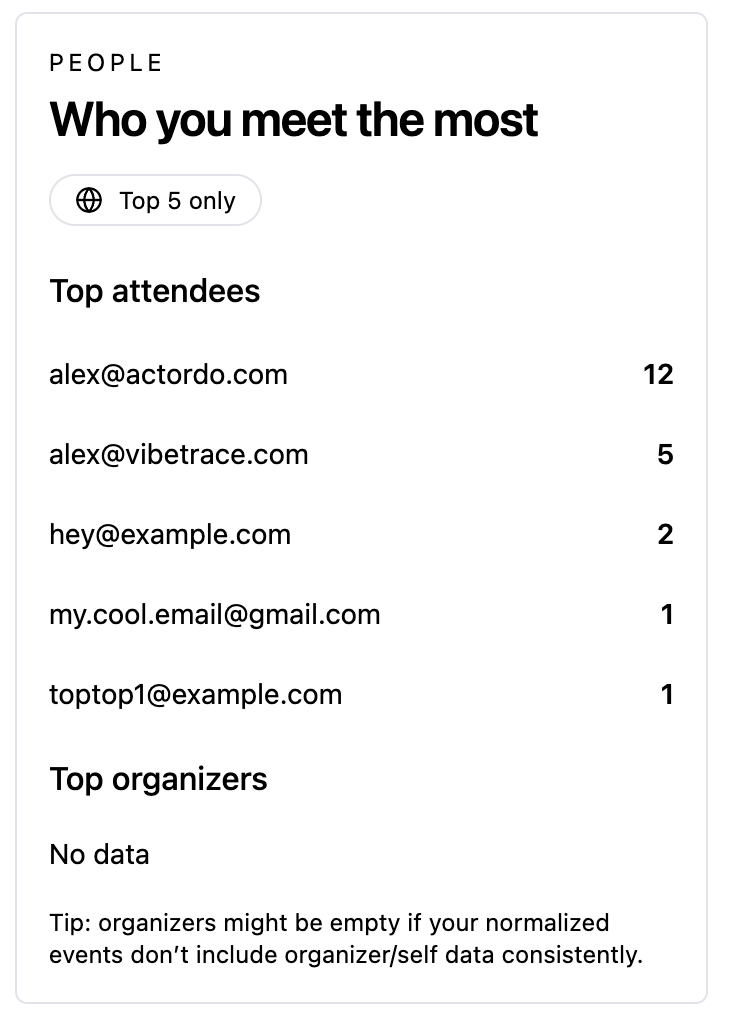
Your calendar shows who you collaborate with most:
- Key stakeholders
- Frequent sync partners
- Teams or clients dominating your time
This reveals where relationships are strong — or where time might be unbalanced.
4. Busiest Days & Hours
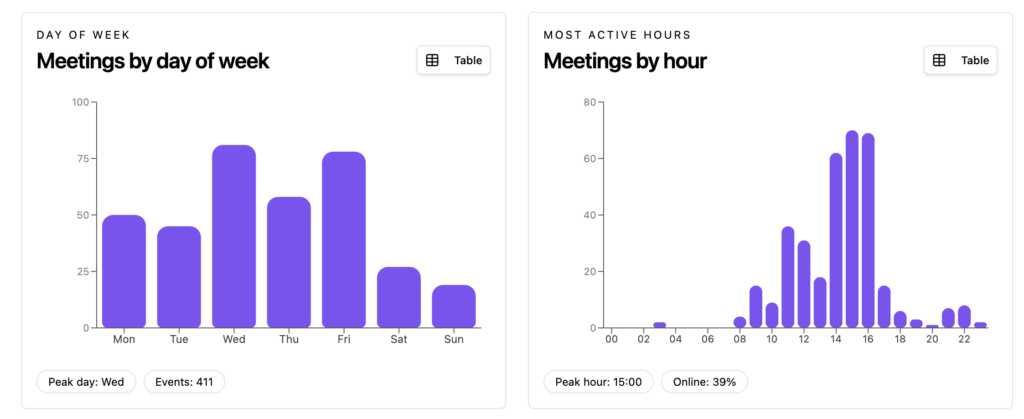
You can extract:
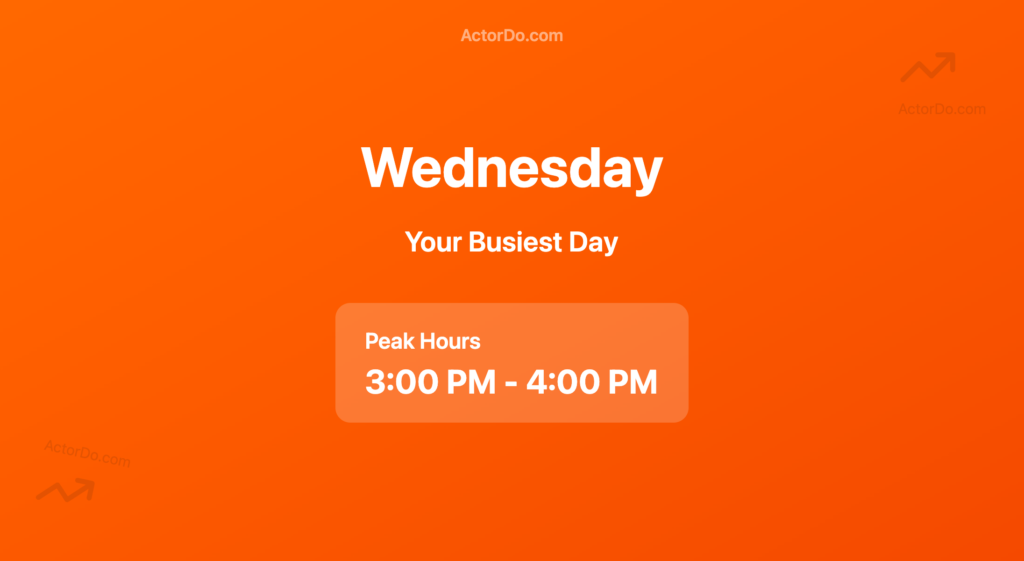
- Busiest day of the week
- Peak meeting hours
- Days with zero focus time
This is perfect for redesigning your schedule (for example: no-meeting mornings).
5. Meeting Tools You Use
Calendars usually store metadata like:
- Zoom
- Google Meet
- Microsoft Teams
- Webex
Seeing this helps understand how fragmented (or centralized) your workflow is.
6. Meeting vs Focus Time
When combined with blocked focus slots, you can see:
- How often focus time is interrupted
- Whether deep work actually happens
- If meetings creep into personal time
This is where calendar data becomes self-awareness.
How to Create a Yearly Calendar Recap (High-Level)
You don’t need to overthink it.
At a high level, the process looks like this:
- Collect all calendar events for the year
- Normalize data across calendars (work + personal, Google + Outlook)
- Extract key attributes:
- Duration
- Participants
- Meeting type
- Tool used
- Aggregate and visualize the results
The magic is in aggregation, not individual events.
Or use ActorDo Calendar Yearly Insights (Free)

Who Benefits Most From This
This kind of recap is especially useful for:
- Founders & executives
- Managers and team leads
- Consultants and freelancers
- Knowledge workers with meeting-heavy schedules
If your calendar feels “full but unclear”, a recap gives you answers.
Turning Insights Into Action
The real value isn’t the recap itself. it’s what you do next.
Common outcomes:
- Shorter default meetings
- Fewer recurring calls
- Protected focus blocks
- Clearer collaboration boundaries
Your next year becomes intentional, not reactive.
Final Thought
Your calendar already knows how your year went.
A yearly recap simply makes it visible.
Once you see it, you can’t unsee it. and that’s exactly the point.