

How to Clean/Delete older drafts by Actor
A new feature is available for our users to keep accounts clean.
Automatically delete older drafts created by Actor that were not used.
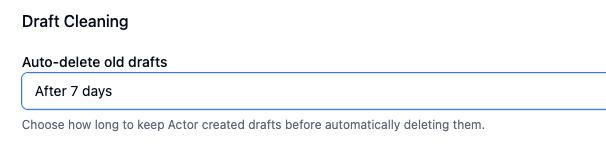
Under Email Management > Draft settings, you will find the above configuration. By default it is set to “never” meaning drafts will keep pilling up in your Drafts folder until you delete them.
You can choose to automatically delete drafts after a specific time: 7, 14 or 30 days.
This keeps your account clean.
Don’t forget about our Email Cleaning App if you want more structure to delete emails.