
How to create Outlook Email Templates
If you send the same email template often, you can save a lot of time just by using email templates.
Email templates are just reusable emails that you can add using a single click.
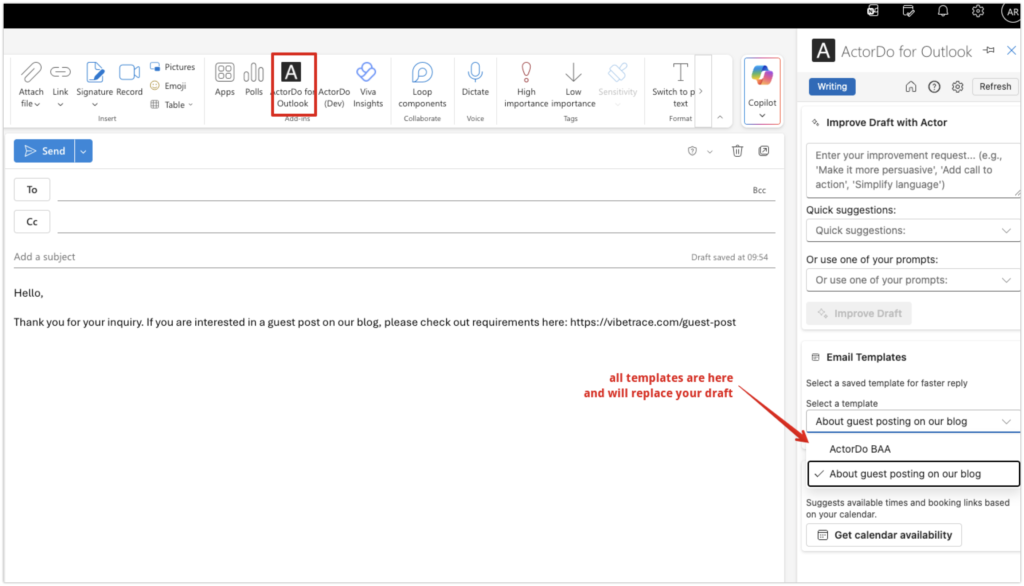
ActorDo allows you to quickly reply to an email using a template you have saved. That’s why you need to have ActorDo as your work assistant because it helps you and saves you time.
ActorDo Email Templates work for both Outlook Web and Outlook App.
If you don’t have an account with Actor, your Work Assistant for Gmail and Outlook, create a free account here: https://actor.do/web
Create an Email Template for Outlook
Outlook has also built-in feature for email templates, however they can’t be shared across the team and require you to choose local files from the computer. More info on Outlook templates here
With ActorDo Email templates are managed in an easier way.
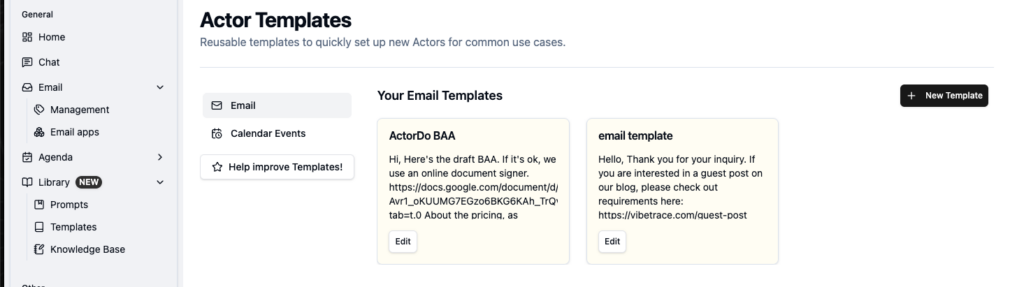
You go to Library > Templates where you can add a new email template
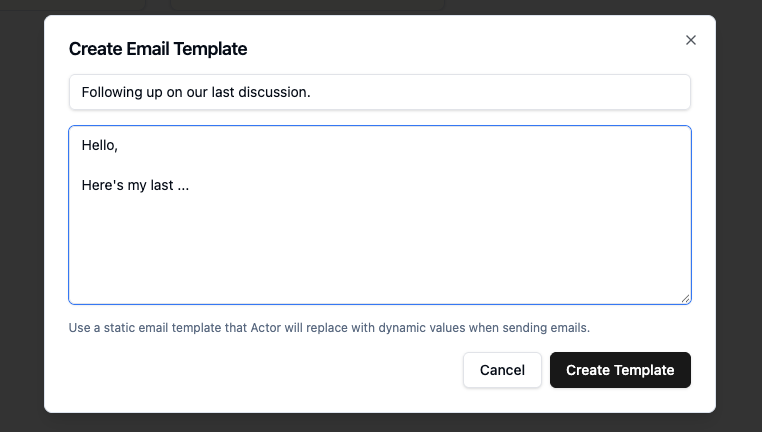
For each template you can configure Subject and Content
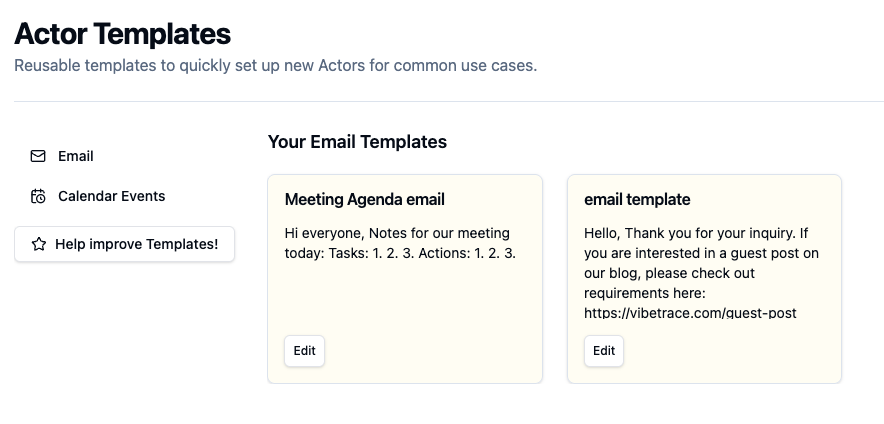
You can have as many templates as you want. For now all are together, but we’ll be adding some labels to them to filter them out easily.
Now, whether you are in Outlook Web or Outlook App you have access to all your email templates. With a single click, the email template is being replaced in Outlook.