

How to delete Copilot. Quick guide.
If Copilot keeps popping up and you don’t want it, here’s how to get rid of it, quickly. However keep in mind that Microsoft might finds ways to install it back. They push Copilot in all ways they can.
On Windows 11 (easiest way)
- Open Settings
- Go to Personalization > Taskbar
- Toggle Copilot off
That removes it from the taskbar. Done.
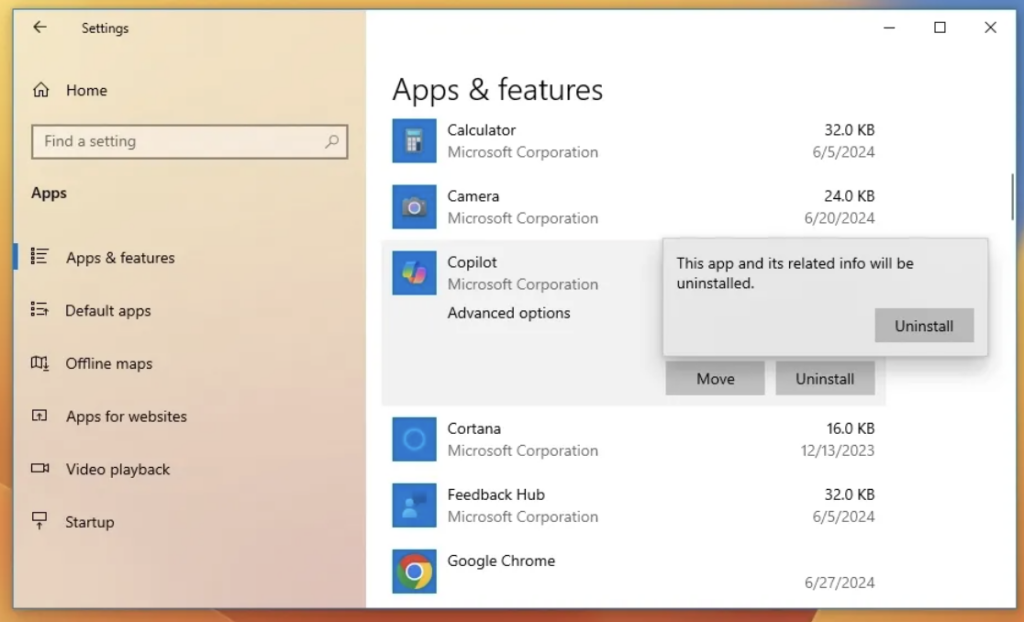
Disable it completely (advanced)
If you want it really gone:
- Open Group Policy Editor (
gpedit.msc) - Go to User Configuration → Administrative Templates → Windows Components → Windows Copilot
- Set Turn off Windows Copilot to Enabled
No Group Policy? You can do the same via the registry, but that’s for power users only.
In Microsoft Edge
Copilot also lives inside Edge:
- Open Settings
- Go to Sidebar
- Turn off Copilot
Can you uninstall it?
Short answer: not fully. Copilot is baked into Windows by Microsoft. You can hide it, disable it, and stop it from running.. but not remove it like a normal app.
Shell Script for Technical People
If you understand how things work, there is a git repository on how to completely remove windows AI. Note that we have no connection to it, and can not recommend if it works or not. Here’s the link.
https://github.com/zoicware/RemoveWindowsAI/Why people disable it
- Less clutter
- Fewer distractions
- Better performance
- You just don’t use it
If you’re aiming for a clean, focused setup, disabling Copilot is usually enough.
If you’re looking for a Work Assistant, we’re building ActorDo (for your email and calendar)