

Staying Organized as a Virtual Assistant: A Comprehensive Guide
Are you a virtual or executive assistant? Then this is for you, a complete guide on how to improve yourself and get things done.
ActorDo (our AI Assistant helps busy professionals like you) save time and do their jobs well.
Table of Contents
Being a virtual or executive assistant means juggling a lot at once. Schedules, emails, projects – it all adds up fast. The work is exciting, but it can get overwhelming without a good system.
When you work remotely, you don’t have a boss nearby to keep you on track. You need to manage yourself. The difference between feeling calm versus stressed comes down to how organized you are.
Here are practical tips from experienced assistants to help you stay productive and sane.
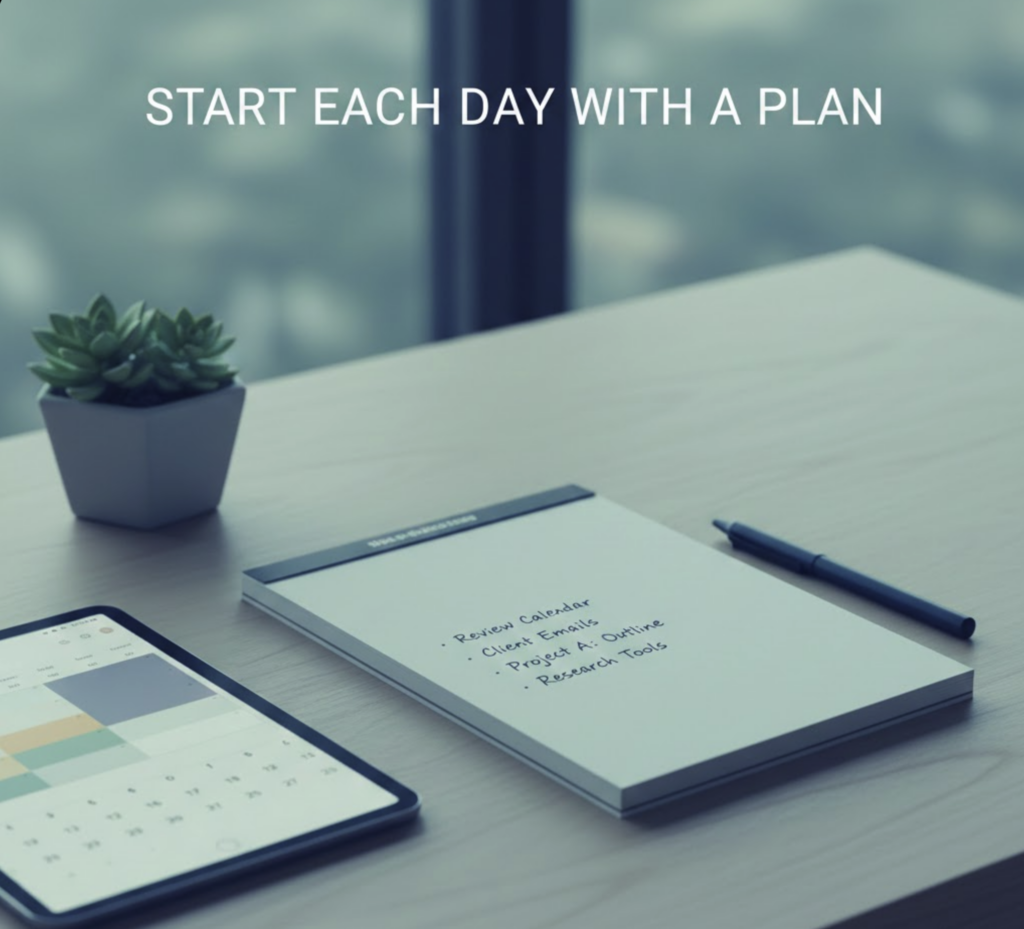
Start each day with a Plan
Take a few minutes each morning (or the night before) to review your day. Check your calendar for meetings and deadlines. Gather what you and your executive will need.
This quick planning session helps you prioritize and avoid last-minute panic. It sets you and your boss up for a better day.
Write Everything down
Don’t trust your memory. Write it all down.
Got a request from your boss? Write it down. Heard an important deadline on a call? Write it down. Had an idea? Write it down.
Use a notebook or notes app – whatever works for you. Then turn those notes into organized to-do lists.
Keep one master list for daily tasks. Make separate lists for big projects or specific categories. Update them regularly and check off items as you finish.
Lists help you see everything in one place. They keep tasks from falling through the cracks.
Use the Right Tools
Technology can be your personal organization system. Here are tools that work:
Project management: Trello, Asana, or ClickUp let you track tasks and deadlines. Move items from “To Do” to “Doing” to “Done.” You can see at a glance what needs attention.
Digital notes: Notion or Evernote work great for storing meeting notes and procedures. Some assistants use GoodNotes on a tablet – it feels like paper but stays searchable.
Time tracking: Toggl or Clockify show how you spend your hours. You might discover you’re spending too much time on email and decide to set limits.
Communication: Keep all work messages in one place. Slack or Microsoft Teams beat digging through scattered emails. Create channels for different projects to stay focused.
Scheduling: Calendly or ActorDo saves you from endless back-and-forth emails. Send people a link to pick a meeting time. Done.
Passwords: 1Password / Bitwarden stores all your logins securely. No more scrambling to find the right password. You can share credentials safely with clients too.
The right tools create structure. They help you juggle multiple responsibilities without feeling overwhelmed.
Master Calendars
Your calendar is your best friend. Use it for everything – not just meetings.
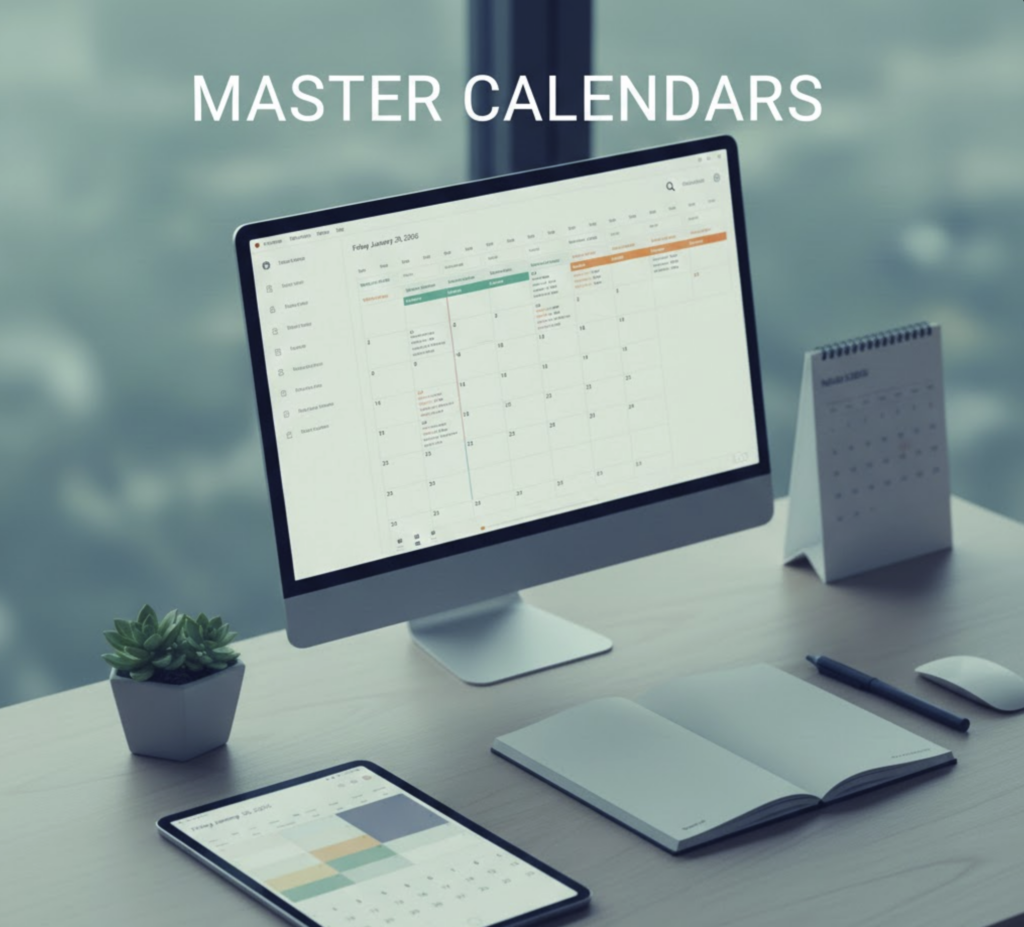
Schedule deadlines, follow-ups, routine tasks, and personal appointments. A well-organized calendar prevents “oops, I forgot” moments.
Try color-coding. Use one color for team meetings, another for your boss’s schedule, another for personal errands. You’ll see at a glance what’s what.
ActorDo helps you master calendar like a pro.
Set reminders before important events. If you tend to postpone certain tasks, schedule them like appointments. This is called time-blocking, and it works.
Share calendars with people who need to know your schedule. If you’re an executive assistant, sync with your executive’s calendar. You’ll manage appointments better and anticipate needs.
Keep Everything Tidy
Clutter kills organization. A messy desk or chaotic inbox distracts you and causes things to get lost.
Keep your workspace clean. File documents when you’re done. Toss junk papers. A clear desk helps you think clearly and find things fast.
Your inbox needs the same treatment. Aim for “inbox zero” or close to it. Delete or archive emails after you handle them. Or use PARA strategy.
Some assistants use their inbox as a to-do list. If an email needs action, keep it marked. Once it’s handled, archive it. This keeps only actionable items in view.
One executive assistant keeps just three emails in her personal inbox and under ten in work email by rigorously archiving.
Process emails in batches – maybe morning and afternoon. Don’t let incoming mail constantly distract you.
Prioritize Ruthlessly
With a mountain of tasks, you need to prioritize. Tackle the most important or time-sensitive items first.
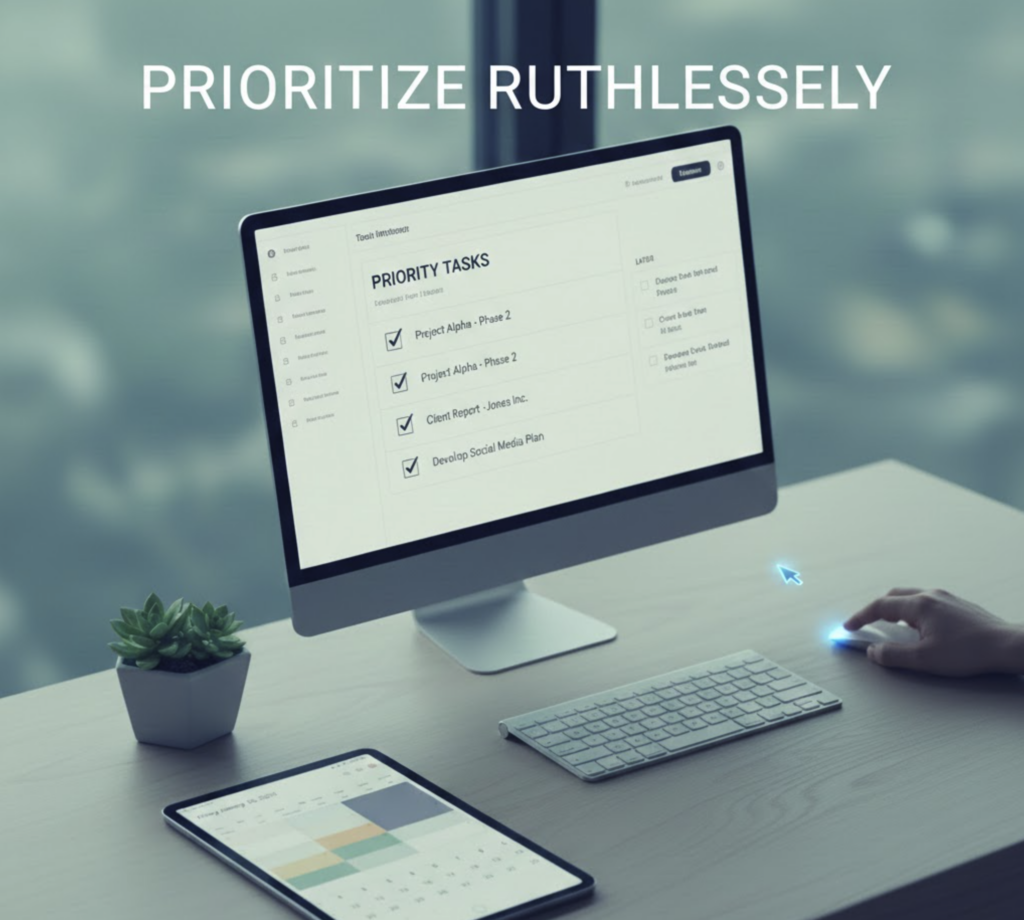
If priorities aren’t clear, ask. Or use your judgment.
Set personal deadlines for tasks that don’t have official due dates. Need to compile a report due next week? Finish it by Friday. Mini-deadlines prevent tasks from lingering forever.
If a task has sat on your list for weeks, evaluate it. Is it truly important? Can someone else do it? Should you drop it?
Cutting irrelevant tasks isn’t slacking. It’s focusing on what matters.
Review Weekly
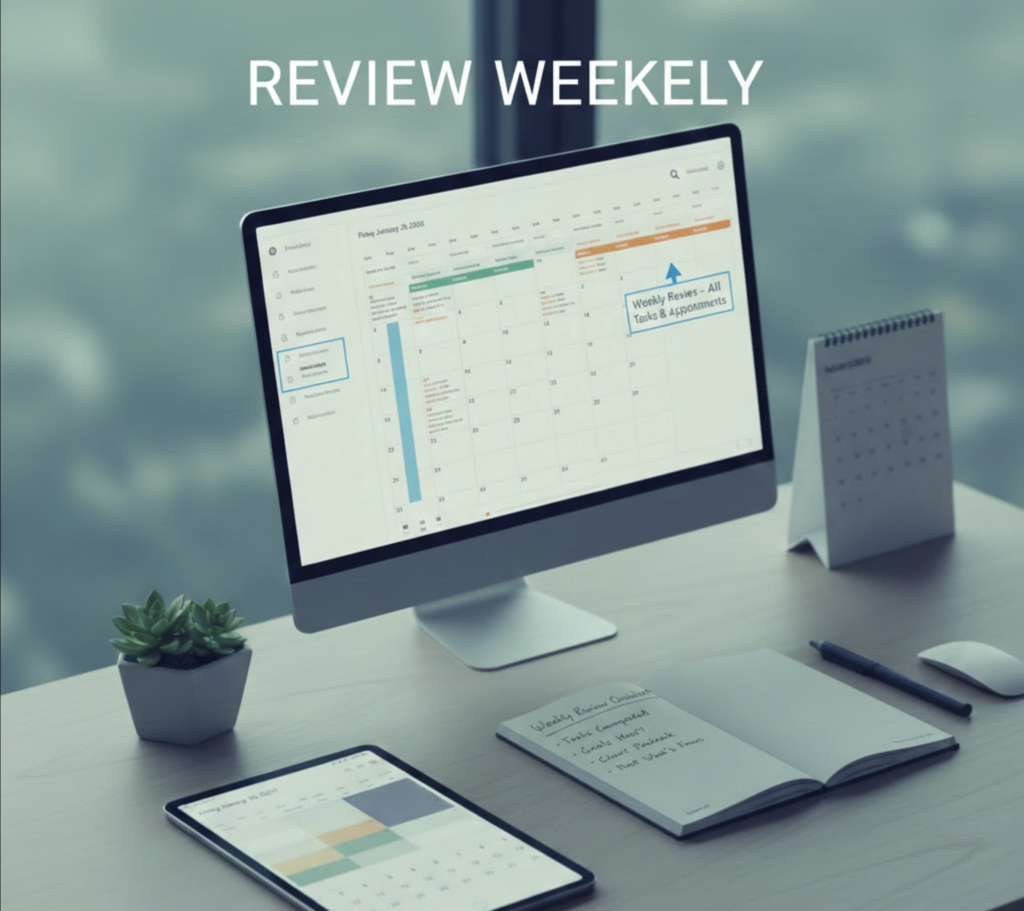
Organization is ongoing. Do a quick weekly review every Friday afternoon or Monday morning.
Ask yourself: What did I accomplish? What’s coming up next week?
This lets you celebrate wins and prepare for what’s ahead. Update your lists and calendar with new tasks.
Tidy loose ends. Clear remaining clutter. Update project statuses. Note priorities for the coming week.
Starting Monday with a clear plan beats scrambling to catch up.
Over time, adjust what’s not working. Maybe you need a new tool. Maybe creative tasks work best Tuesday mornings. Your weekly review catches these insights.
Tools and Workflows Summary
Finally, here is a summary table of essential tools and workflows a virtual assistant can leverage to stay organized in supporting a manager:
We recommend using ActorDo as your work assistant for email and daily agenda.
| Responsibility Area | Tools/Apps (Examples) | Key Workflows & Habits |
|---|---|---|
| Calendar Management | Google or Outlook Calendar; ActorDo (scheduling) | Centralize all meetings on one calendar; color-code events for quick visual priority; schedule buffer time between meetings; set auto-reminders for important events. |
| Email Inbox Management | Gmail or Outlook (with rules/filters); SaneBox or Outlook Focused Inbox | Use filters to auto-sort low-priority emails; maintain Action/Read/Waiting folders for triage; aim for daily inbox zero with regular sweeps; flag VIP emails for immediate alert. |
| Project & Task Tracking | Trello, Google Tasks, or Monday.com; MS To Do or Todoist for personal tasks Managed with Actor | Track all tasks in a central list or board with deadlines; assign and follow-up on team tasks; break projects into milestones; do weekly status reviews and adjust priorities (urgent vs. important). |
| Travel Planning | Corporate travel portal or Expedia/Kayak; TripIt (itineraries); Google Maps | Keep an updated travel profile with preferences; research and present options for quick approval; consolidate trip details into one itinerary document; add travel plans to calendar (with time zones accounted); prepare contingency plans (alternate flights, etc.). |
| Communication & Meetings | Slack or Microsoft Teams (instant messaging); Zoom/Google Meet (video); Shared Docs (Google Docs, OneNote) | Do daily check-ins and weekly planning meetings; use shared docs or boards for agenda and updates; keep open chat for urgent needs; document meeting outcomes and decisions for reference. |
| Digital Organization | Google Drive or OneDrive (cloud storage); Notion or OneNote (notes); LastPass (passwords); CRM like HubSpot (if needed) | Implement a logical folder structure for files; use consistent naming conventions; store notes/SOPs in a searchable way; maintain a single contacts database (CRM or contacts app) for all client info; regularly archive or clean old data to avoid clutter. |
The Bottom Line
Organization is a skill. It gets better with practice.
Start with a few tips above. Build habits gradually. Don’t worry about being perfect.
Strong organization isn’t about looking neat. It’s about freeing up your time and mental energy for important work.
With clear systems, you can handle urgent requests and multiple projects without feeling lost. You’ll support your executive proactively. Nothing will slip through the cracks.
You’ll deliver better results and actually enjoy your work more. That sense of control is worth the effort.