
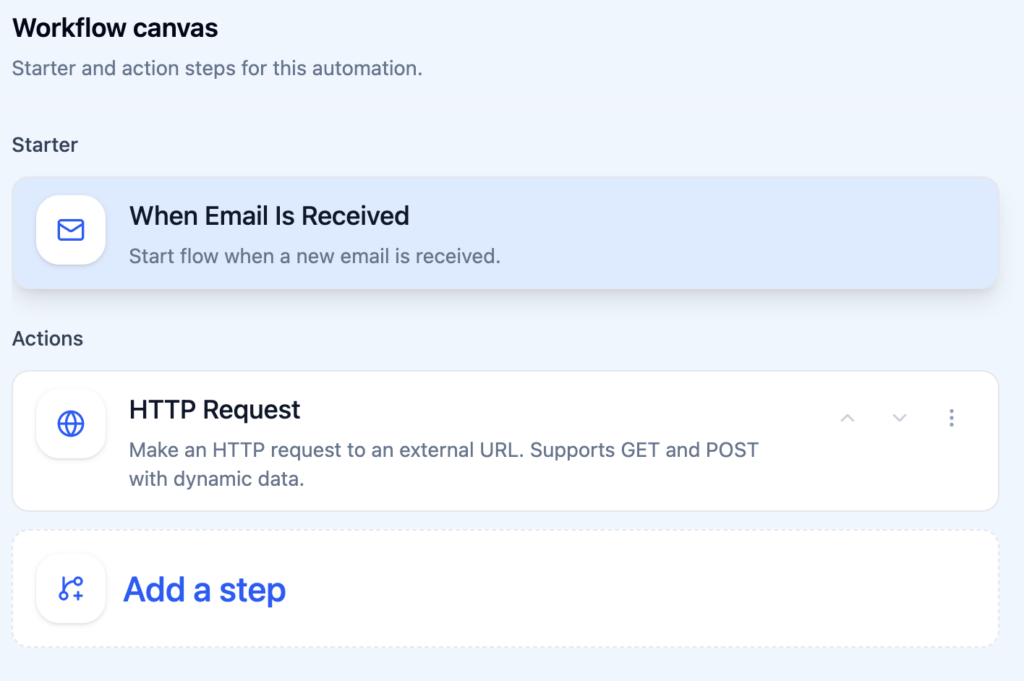
Here’s how you can configure HTTP Request Action in various use-cases.
# ---------------------------------------------------------------------------
# EXAMPLES — how to configure action.http.request in Studio workflows
# ---------------------------------------------------------------------------
#
# All field values support {{variable}} syntax. Variables are resolved before
# execution, so the final request uses real data from the trigger or earlier steps.
#
#
# ═══════════════════════════════════════════════════════════════════════════
# 1. HEADERS
# ═══════════════════════════════════════════════════════════════════════════
#
# Headers are key-value pairs. Values can be static or dynamic.
#
# Static:
#   Key: Content-Type          Value: application/json
#   Key: X-Custom-Source       Value: actor-studio
#
# Dynamic (using trigger/step variables):
#   Key: Authorization         Value: Bearer {{steps.step_1.output.token}}
#   Key: X-Sender-Email        Value: {{trigger.email.sender_email}}
#   Key: X-Event-Id            Value: {{trigger.event.event_id}}
#
# Mixed:
#   Key: X-Request-Tag         Value: email-from-{{trigger.email.sender_email}}
#
#
# ═══════════════════════════════════════════════════════════════════════════
# 2. QUERY PARAMETERS
# ═══════════════════════════════════════════════════════════════════════════
#
# Query params are appended to the URL as ?key=value&key2=value2.
#
# Static — notify a Slack-style webhook with a fixed channel:
#   URL:  https://hooks.example.com/notify
#   Params:
#     Key: channel             Value: #alerts
#     Key: priority            Value: high
#
# Dynamic — pass email metadata to a CRM lookup endpoint:
#   URL:  https://crm.example.com/api/contacts/search
#   Params:
#     Key: email               Value: {{trigger.email.sender_email}}
#     Key: subject             Value: {{trigger.email.subject}}
#
# Dynamic — filter calendar events by date from an earlier step:
#   URL:  https://api.example.com/schedule
#   Params:
#     Key: date                Value: {{trigger.event.start}}
#     Key: organizer           Value: {{trigger.event.organizer}}
#     Key: limit               Value: 10
#
#
# ═══════════════════════════════════════════════════════════════════════════
# 3. REQUEST BODY — JSON (body_type = "json")
# ═══════════════════════════════════════════════════════════════════════════
#
# The body field accepts raw JSON. Embed {{variables}} anywhere in values.
#
# Example A — forward email data to a webhook:
#   {
#     "event": "new_email",
#     "from": "{{trigger.email.sender_email}}",
#     "subject": "{{trigger.email.subject}}",
#     "snippet": "{{trigger.email.snippet}}",
#     "received_at": "{{trigger.email.date}}"
#   }
#
# Example B — create a ticket in a project management tool:
#   {
#     "project": "support",
#     "title": "Follow up: {{trigger.email.subject}}",
#     "description": "Email from {{trigger.email.sender}} on {{trigger.email.date}}.\n\n{{trigger.email.body_text}}",
#     "priority": "normal",
#     "tags": ["email", "auto"]
#   }
#
# Example C — use output from a previous Find Emails step:
#   {
#     "summary_request": true,
#     "email_count": "{{steps.step_1.output.count}}",
#     "emails": "{{steps.step_1.output.items}}"
#   }
#
# Example D — send calendar event to a scheduling API:
#   {
#     "meeting_title": "{{trigger.event.title}}",
#     "attendees": "{{trigger.event.attendees}}",
#     "start": "{{trigger.event.start}}",
#     "end": "{{trigger.event.end}}",
#     "video_link": "{{trigger.event.video_link}}",
#     "notes": "Auto-logged from Actor Studio"
#   }
#
# Example E — chain digest output into an external notification:
#   {
#     "channel": "#daily-digest",
#     "text": "{{steps.step_2.output.digest_text}}",
#     "html": "{{steps.step_2.output.digest_html}}"
#   }
#
#
# ═══════════════════════════════════════════════════════════════════════════
# 4. REQUEST BODY — FORM DATA (body_type = "form")
# ═══════════════════════════════════════════════════════════════════════════
#
# Form data can be entered as JSON or as key=value lines (one per line).
#
# As JSON:
#   {
#     "name": "{{trigger.email.sender}}",
#     "email": "{{trigger.email.sender_email}}",
#     "message": "{{trigger.email.body_text}}",
#     "source": "actor-studio"
#   }
#
# As key=value lines:
#   name={{trigger.email.sender}}
#   email={{trigger.email.sender_email}}
#   message={{trigger.email.body_text}}
#   source=actor-studio
#
#
# ═══════════════════════════════════════════════════════════════════════════
# 5. FULL WORKFLOW EXAMPLES
# ═══════════════════════════════════════════════════════════════════════════
#
# --- Example: Notify Slack when an important email arrives ---
#   Trigger:  trigger.email.received (label = "Important")
#   Step 1:   action.http.request
#     Method:       POST
#     URL:          https://hooks.slack.com/services/T.../B.../xxx
#     Body type:    json
#     Body:
#       {
#         "text": "New email from {{trigger.email.sender}}: {{trigger.email.subject}}"
#       }
#
# --- Example: Log new bookings to Google Sheets via Apps Script ---
#   Trigger:  trigger.booking.created
#   Step 1:   action.http.request
#     Method:       POST
#     URL:          https://script.google.com/macros/s/.../exec
#     Headers:
#       Key: Content-Type       Value: application/json
#     Body type:    json
#     Body:
#       {
#         "guest": "{{trigger.booking.guest_name}}",
#         "email": "{{trigger.booking.guest_email}}",
#         "time": "{{trigger.booking.selected_time.start}}",
#         "topic": "{{trigger.booking.selected_topic}}"
#       }
#
# --- Example: GET request with dynamic query params ---
#   Trigger:  trigger.email.received
#   Step 1:   action.http.request
#     Method:       GET
#     URL:          https://api.clearbit.com/v2/people/find
#     Headers:
#       Key: Authorization      Value: Bearer sk_xxx
#     Query params:
#       Key: email              Value: {{trigger.email.sender_email}}
#
# --- Example: Daily digest → POST to custom dashboard ---
#   Trigger:  trigger.schedule.recurring (daily 08:00)
#   Step 1:   action.email.find (unread, limit 20)
#   Step 2:   action.digest.create (prompt: "Summarize {{steps.step_1.output.items}}")
#   Step 3:   action.http.request
#     Method:       POST
#     URL:          https://dashboard.example.com/api/digest
#     Headers:
#       Key: X-API-Key          Value: my-secret-key
#     Body type:    json
#     Body:
#       {
#         "date": "{{trigger.schedule.fired_at}}",
#         "summary": "{{steps.step_2.output.digest_text}}",
#         "email_count": "{{steps.step_1.output.count}}"
#       }
#