Studio is where Actor actually does the work. Under your control.
Everything runs on a simple idea:
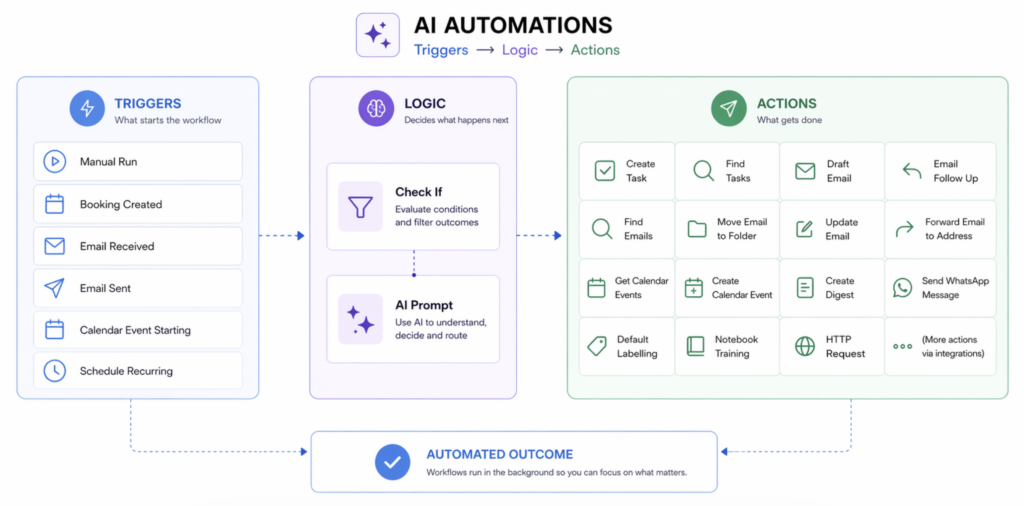
Triggers start workflows → Logic decides → Actions execute.
A trigger is the starting point—like receiving an email, sending one, a meeting about to start, a booking created, or a scheduled time. You can also run things manually when needed.
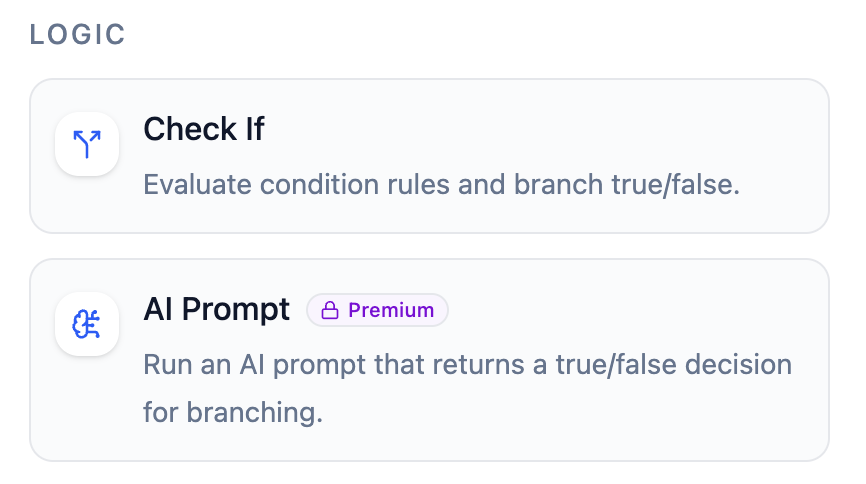
Once triggered, you can add logic. This can be simple conditions (check_if) or AI-powered decisions (ai_prompt) to understand context, filter noise, or decide what should happen next.
Then come actions—the outcome. Actor can draft or send emails, create or find tasks, update inbox status, move emails to folders, schedule meetings, generate digests, send WhatsApp messages, or even call external APIs.
Put together, this lets you automate real workflows, not just single steps.
Email comes in → AI evaluates → task created → follow-up drafted → summary sent.
Studio turns your daily operations into structured, automated flows that run in the background.
ActorDo Studio Triggers
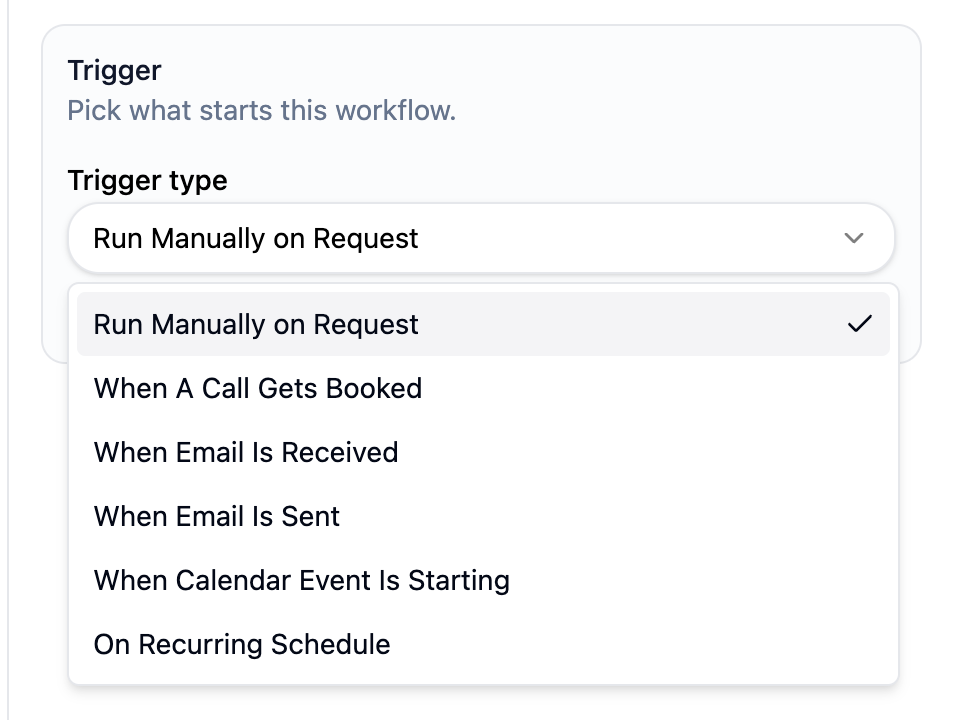
As of today we have the following triggers:
- run manually on request
- on recurring schedule (daily, weekly, monthly) or cron job
- when a call gets booked (using ActorDo Appointment scheduling)
- email is received
- email is sent
- calendar event is starting
ActorDo Studio Actions
Actions are what happens after the trigger. By default some actions are tied to a trigger and can not be used differently.
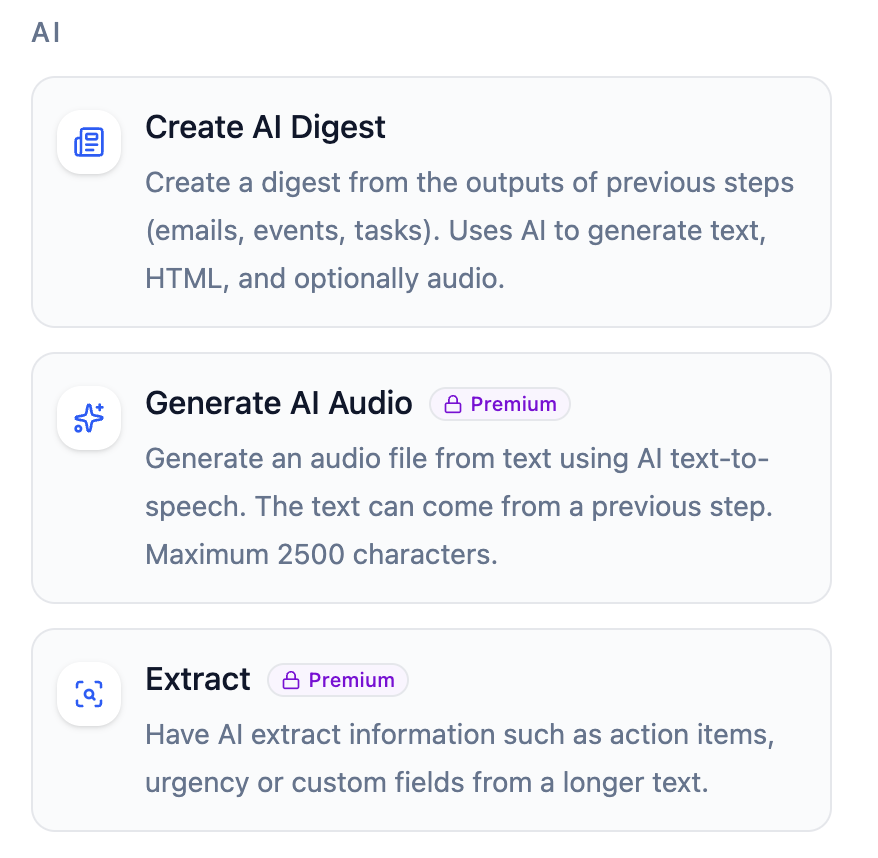
AI Actions
AI Actions allow you to use AI and prompts to generate content for further steps.
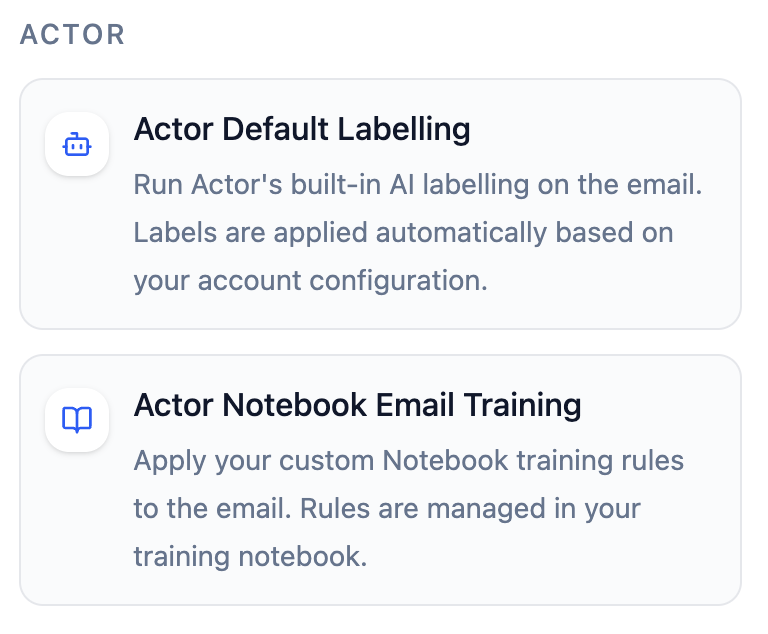
Actor default Actions
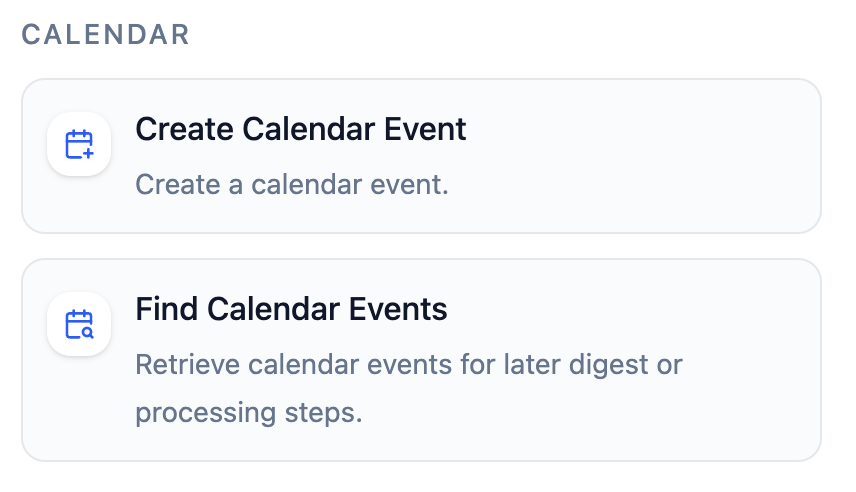
Calendar Related Actions
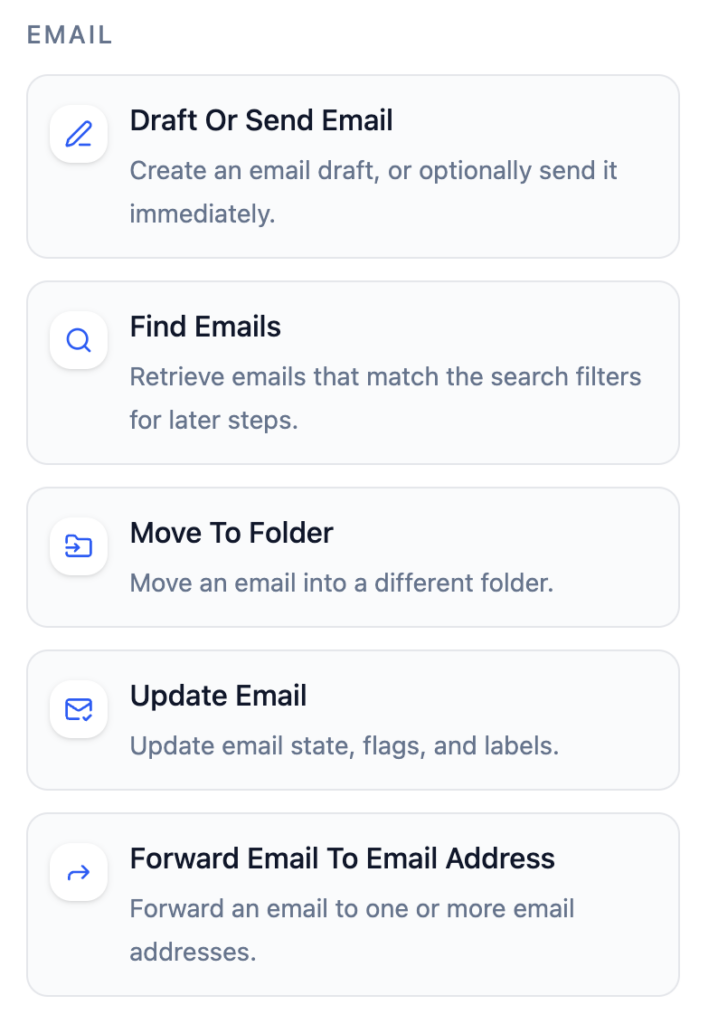
Email Related Actions
Logic and conditional
Those steps use AI prompt or conditional logic to continue
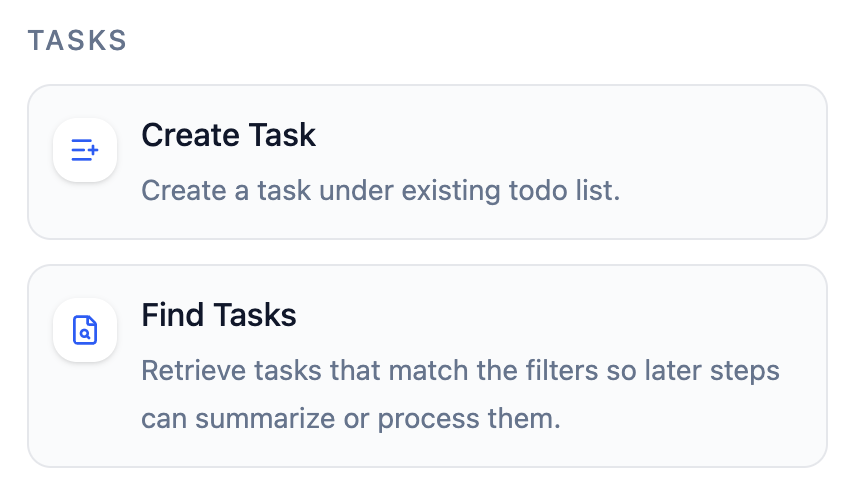
Tasks Actions
Whatsapp Actions
You can send yourself a message, an audio or media file to your connected Whatsapp number.