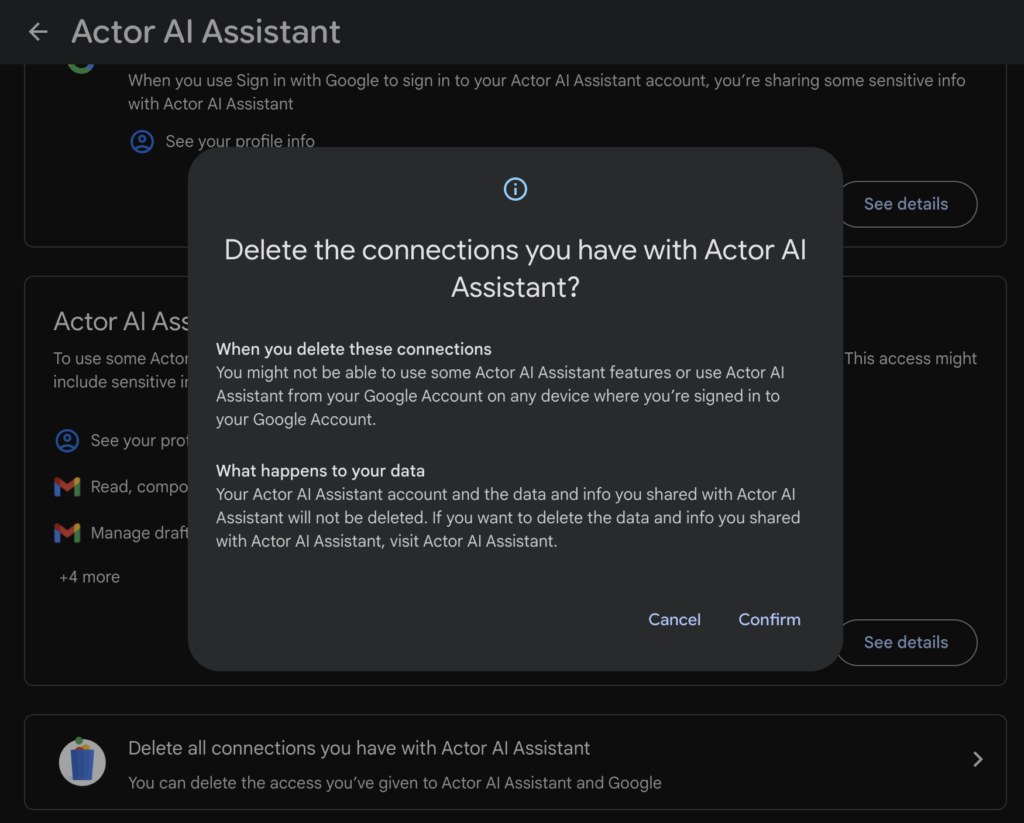
Konto beim ActorAI Assistant löschen
Ich dokumentiere das hier, weil es mit der Abwanderungsrate zusammenhängt und ich ein Datenmensch bin.
Schritte zum Trennen des Kontos:
- Klicken Sie auf die Löschen-Schaltfläche neben dem Konto, das Sie entfernen möchten
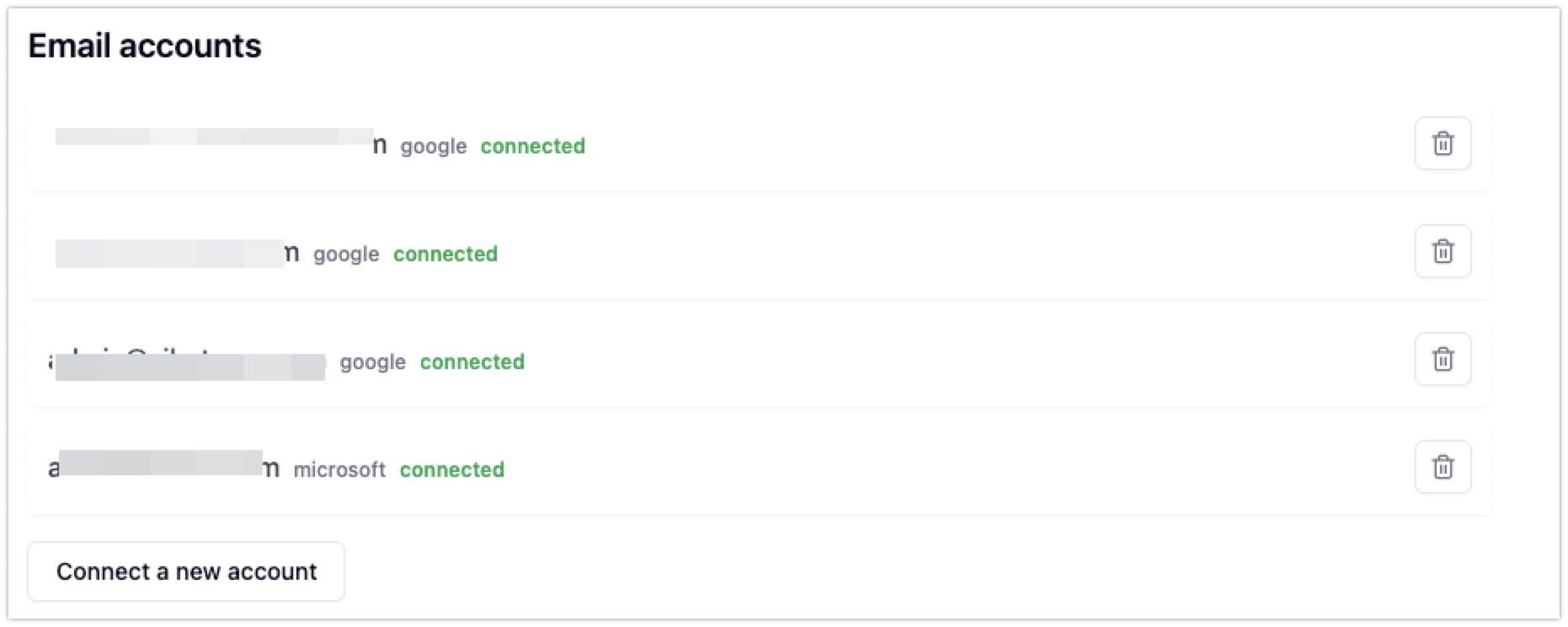
Version 2 – Konto löschen
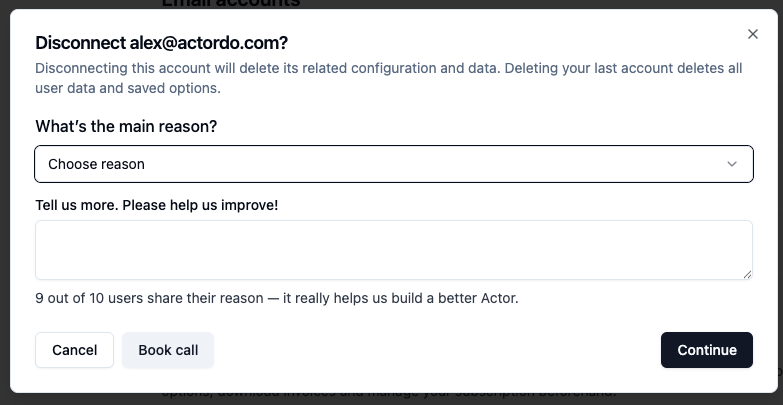
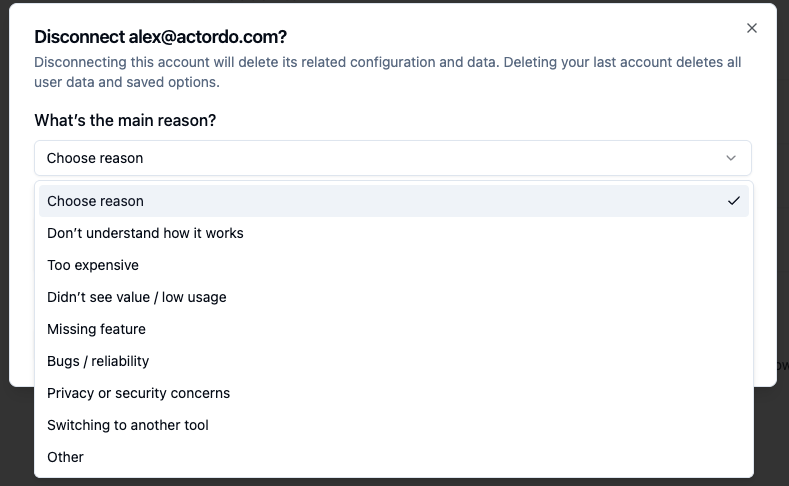
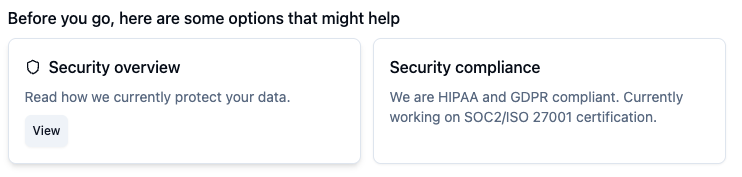
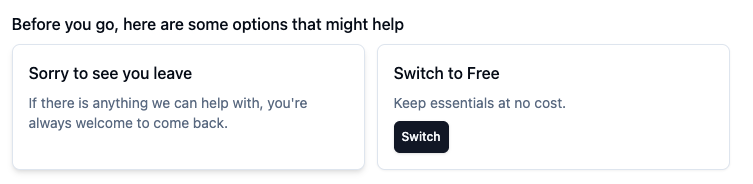
Basierend auf dem Grund, den ein Benutzer auswählt, machen wir einige Vorschläge.
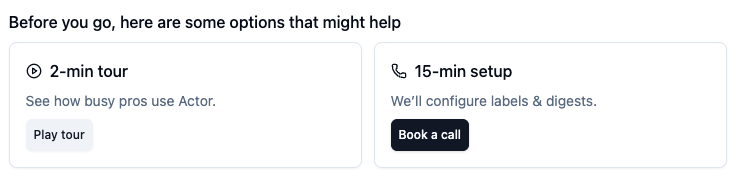
Verstehe nicht, wie es funktioniert:
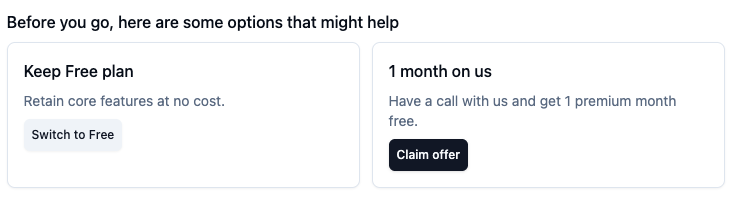
Zu teuer:
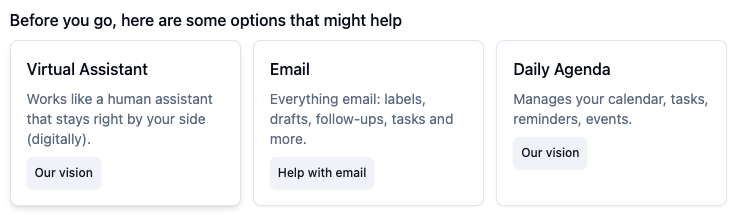
Keinen Mehrwert gesehen / Geringe Nutzung:
Fehlende Funktion:
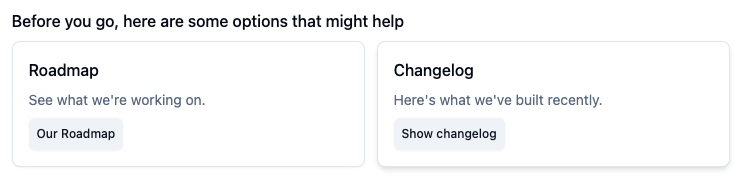
Fehler / Zuverlässigkeit:
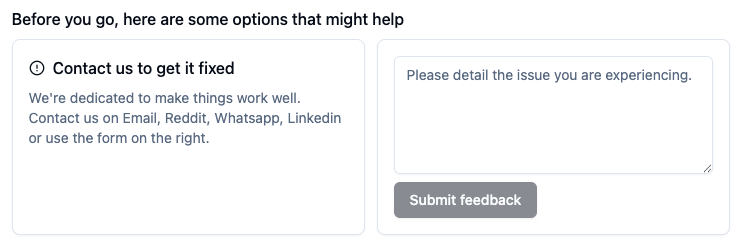
Datenschutz- / Sicherheitsbedenken:
Wechsel zu einem anderen Tool & Sonstiges:
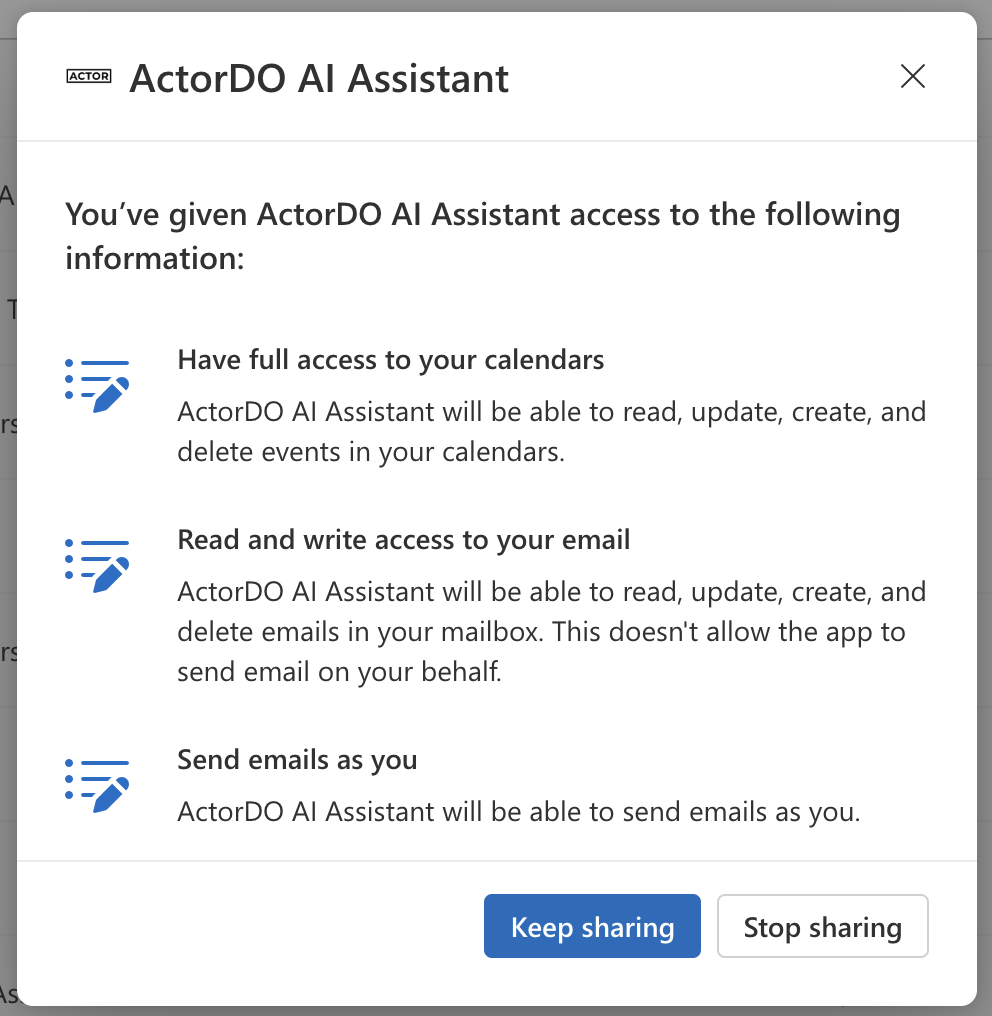
So entfernen Sie den Zugriff für Ihr Microsoft-Konto
Wenn Sie Ihr Konto löschen oder trennen, speichern wir nichts und entfernen alle Ihre Daten.
Wenn Sie jedoch den Zugriff für Ihr Microsoft-Konto entfernen möchten, entziehen Sie den Zugriff in den Microsoft-Kontoeinstellungen:
Gehen Sie hierhin: https://account.microsoft.com/privacy/app-access
Suchen Sie nach Actor AI Assistant.
Wählen Sie „Freigabe beenden“, wenn Sie möchten.
So entfernen Sie den Zugriff für Ihr Google-Konto
Um Actor den Zugriff auf Ihr Google-Konto zu entziehen:
Gehen Sie hierhin: https://myaccount.google.com/connections
Suchen Sie nach Actor AI Assistant. Klicken Sie unten auf Alle Verbindungen löschen und bestätigen Sie.