
7 Features Your HIPAA Ready AI Assistant Must Have
An appointment email, a calendar description, or a follow-up task can contain patient information. When an AI assistant works with your inbox and calendar, those details become part of the privacy review.
For healthcare teams, choosing an assistant means understanding what it can access, where information goes, and who controls its actions.
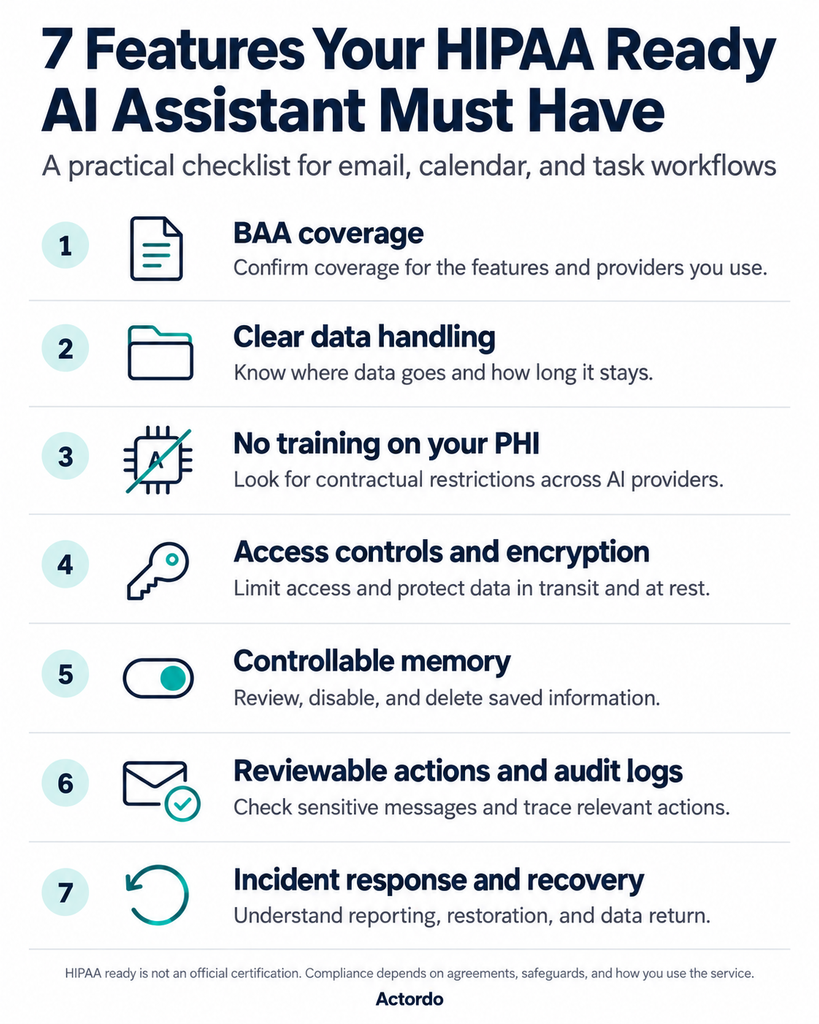
“HIPAA ready” is not an official certification. Your organization still needs to assess the service, put the right agreements in place, and configure it appropriately.
Here are seven things to check before connecting your accounts.
1. A BAA covering your actual workflows
When a provider handles protected health information (PHI) on your behalf as a business associate, you need a Business Associate Agreement (BAA) before that processing starts.
Check the scope. Does it cover email processing, calendar access, chat, memory, and the integrations you plan to use? Relevant subcontractors handling PHI need appropriate agreements too.
Ask: Which features and third-party services are covered?
2. A clear explanation of data handling
The provider should explain what it reads, what it sends to AI services, and what it retains.
Email content is only part of the picture. Prompts, generated replies, attachments, logs, caches, and backups can also contain sensitive information.
Avoid unnecessary copies, and ask for specific retention periods. Processing data without storing it long term does not automatically remove HIPAA obligations.
Ask: What remains after the assistant finishes a task?
3. Clear restrictions on model training
Look for contractual commitments that your PHI will not be used to train general-purpose AI models.
Those commitments should cover the assistant provider and the model providers it uses. Check whether any exceptions apply to feedback, support requests, or optional features.
Ask: Do the same data-use restrictions apply throughout the service?
4. Access limited to the right people
Look for strong authentication, encryption in transit and at rest, and permissions based on each team member’s responsibilities.
A person managing appointments may need different access from someone handling billing. Your organization should also be able to revoke access when a role changes or someone leaves.
Ask: Can we control access separately for each connected account?
5. Memory you can inspect and manage
Remembering preferred meeting hours can be useful. Retaining patient details creates additional responsibilities.
Look for controls to review saved information, disable memory, and request deletion. Confirm how deletion works for retained copies and backups, and whether memory falls within the BAA’s scope.
Automatic redaction is an extra safeguard; removing a patient’s name alone does not establish HIPAA de-identification.
Ask: What does the assistant remember, and how do we remove it?
6. Reviewable actions and useful audit logs
For sensitive messages, a draft gives your team a chance to check the recipient, details, and attachments before sending.
The assistant should also provide records of relevant access and actions. Those records need protection without unnecessarily duplicating patient information in debugging logs.
Human review is a practical AI safeguard. HIPAA also requires applicable audit controls.
Ask: Can we review outgoing messages and trace what happened?
7. A documented response when something goes wrong
Ask how the provider handles security incidents, breach reporting, outages, and recovery.
You should also understand how retained PHI will be returned or destroyed when the relationship ends, where feasible.
Ask: Who contacts us, what information will we receive, and how is service restored?
Choosing an assistant for everyday work
At Actordo, our focus is helping people manage email, calendars, and tasks. For healthcare teams, these workflows deserve the same scrutiny as any other system that handles patient information.
Use the questions above when evaluating an assistant. Start with a clearly defined workflow, confirm the agreements and safeguards, and expand only after your team understands how it works.
The goal is useful automation with clear control over sensitive information.