
How to Forward emails with Attachments
Actor Studio Automations allow you to forward emails to another email address.
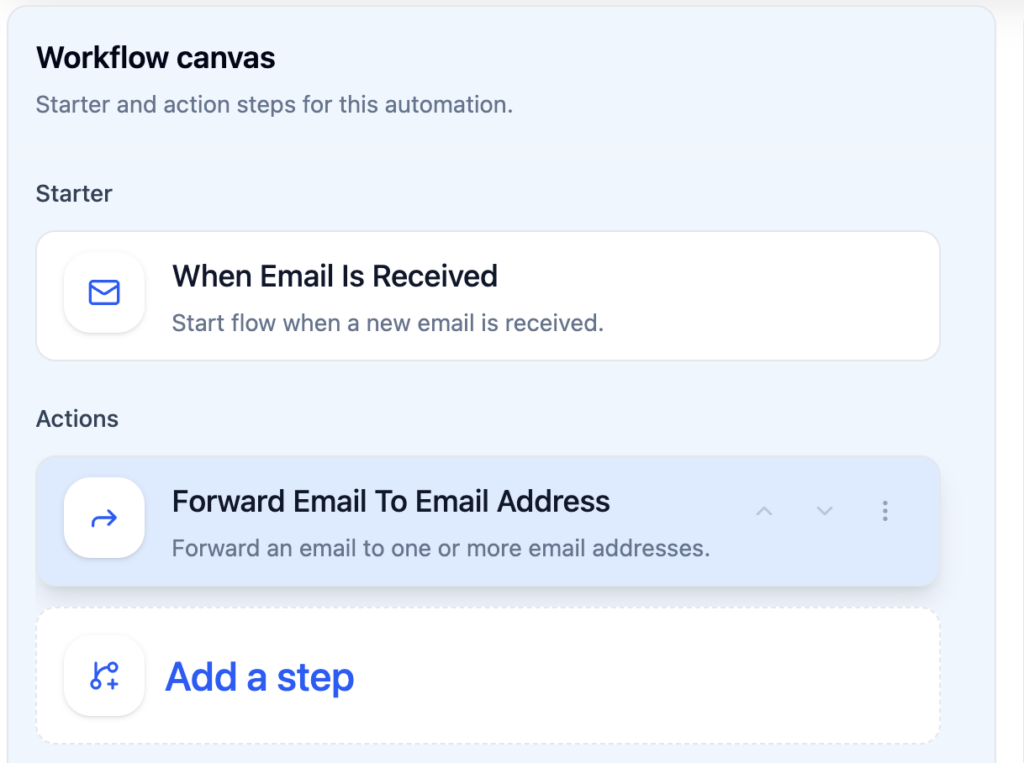
Trigger Email is Received
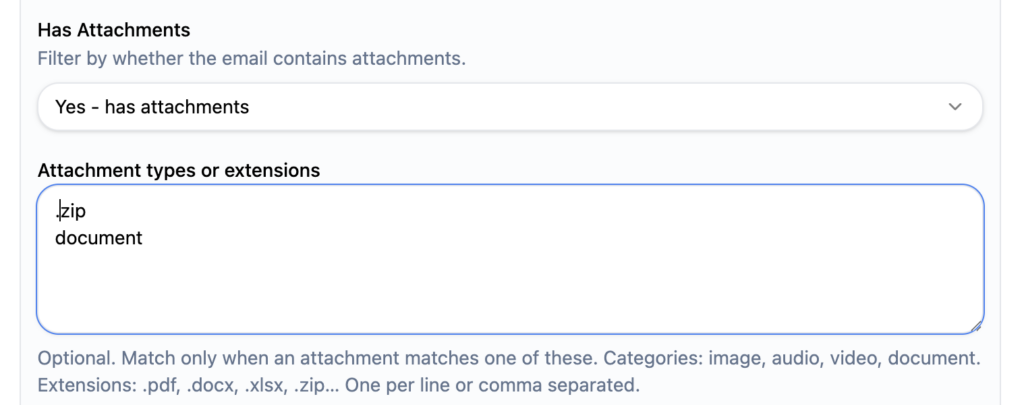
You can filter out what emails you want forwarded. Those filters are added on the trigger (Email is received)
For example choose to filter only emails who have document or .zip attachments
Email Forwarding Action
In the forwarding action you can add the recipients (one or multiple) as well as a forwarding note.
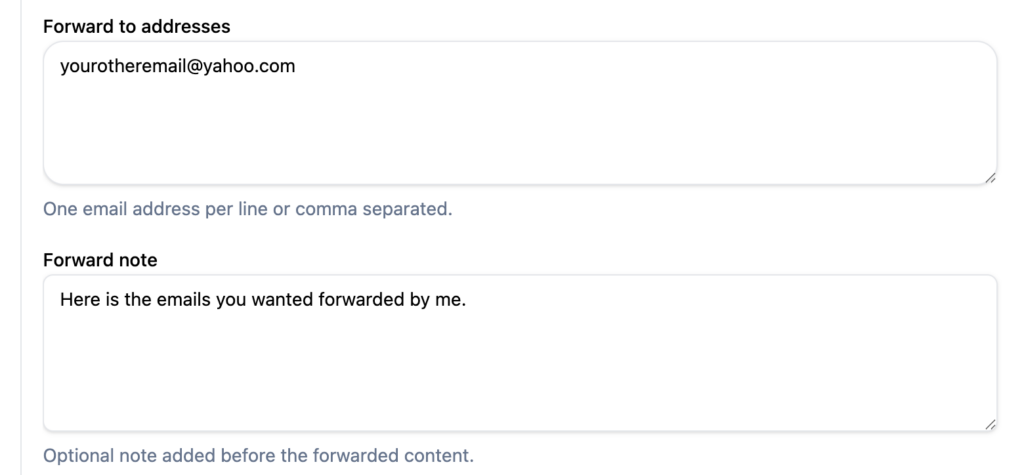
Email received by all recipients will include original attachments and the forward note on top of email content body.
Important: you can also forward sent emails to a specific others. This is very useful for archiving purposes.