
Get Calendar Events notification on Whatsapp
Most people miss meetings not because they don’t have a calendar, but because they don’t look at it at the right moment.
I admit to have missed at least 15 important meetings, while in front of computer, because notifications was lost.
Email reminders get buried. Push notifications get ignored. And if your day is packed, you don’t always check Google Calendar or Outlook before jumping into the next thing.
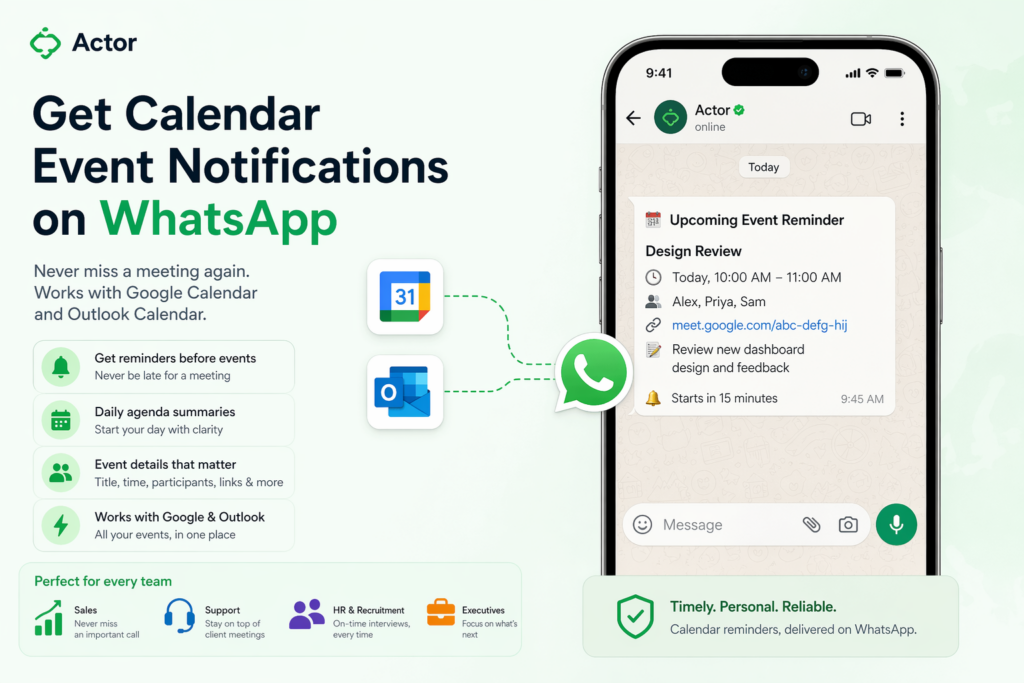
This is exactly where Event to WhatsApp notifications change the game.
With Actor, you can receive calendar reminders directly on WhatsApp, for both Google Calendar and Outlook. It’s simple, but the impact is huge.
Why WhatsApp works better than traditional reminders?
WhatsApp is where your attention already is. You check it constantly, whether for work or personal messages.
That means reminders sent there feel immediate and hard to miss. Unlike email or calendar alerts, they don’t compete with dozens of other notifications.
Instead of passively sitting in your calendar, your schedule comes to you at the right moment.

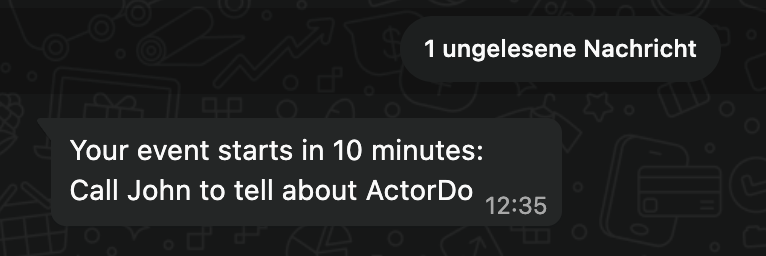
What you can actually do with WhatsApp calendar notifications
This is not just a basic “you have a meeting” alert. Actor lets you control how and when you get notified.
You can get reminders before events, summaries of your day, or even context about what you need to prepare.
Here are a few practical setups:
• get a reminder 10 minutes before every meeting with the title, time, and meeting link
• receive a morning summary of all your events for the day (Daily Briefing Automation Template)
• get a notification only for specific types of meetings like sales calls or interviews
• include extra context like notes, participants, or related emails
Everything works across both Google Calendar and Outlook, so you don’t have to think about where the event was created.
Business use cases that actually make a difference
Sales teams
Sales reps live in back to back calls. Missing or being late to one call can cost real revenue.
With WhatsApp notifications, they get a clear reminder before every call, including the meeting link and client name.
You can also add a quick summary of the last email exchange so they walk into the call prepared.
Customer support and account managers
If you manage multiple clients, it’s easy to lose track of scheduled check ins.
A WhatsApp reminder ensures you never miss a client call and helps you maintain consistency.
You can even trigger reminders only for high priority accounts.
Founders and Executives
Your day is fragmented across meetings, decisions, and context switching.
Instead of checking your calendar constantly, you get a clean feed of what matters next.
A simple message like “Next in 15 minutes: Board meeting with investors” keeps you focused without distraction.
Recruitment and HR
Interviews are time sensitive and often back to back.
WhatsApp reminders help ensure you and your team are always on time.
You can include candidate details or interview stage so there is no confusion.
Operations and field teams
Not everyone sits in front of a laptop all day.
For teams on the move, WhatsApp is often the only reliable channel.
They can receive reminders for site visits, deliveries, or internal check ins without needing to open a calendar app.
Simple flows you can set up in Actor
Actor lets you configure this as an automation, not just a static reminder.
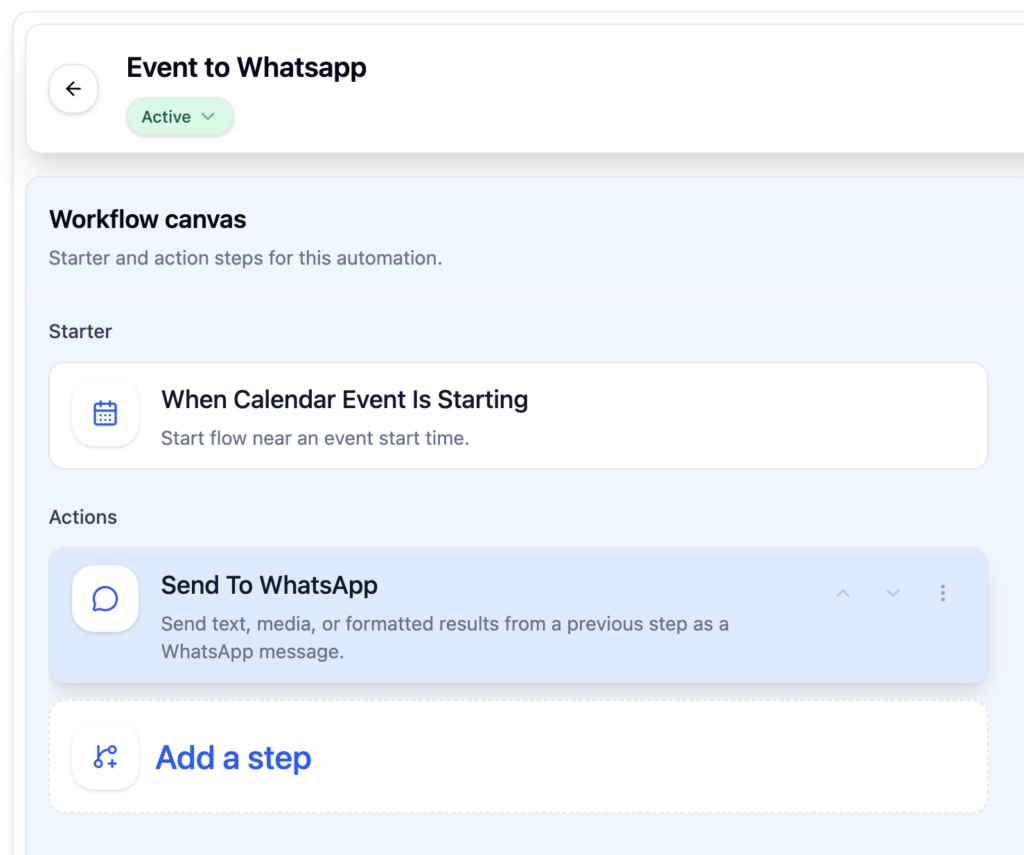
For example:
When a calendar event is starting in 15 minutes
Check if the event has a meeting link
Send a WhatsApp message with title, time, and link
Or:
Every day at 8:00
Collect all events for today
Send a summary on WhatsApp with key priorities
You can keep it simple or make it as smart as you want. Why this matters more than it seems, because it reduces friction.
You don’t have to open your calendar, search for links, or remember what is next.
Everything comes to you in a channel you already trust and use.
It sounds small, but it changes how you move through your day.
Instead of reacting late, you stay one step ahead.
If you already use WhatsApp constantly, this is one of the easiest upgrades you can make to your workflow.