How to Stop Google Calendar Spam Auto-Events
If you’ve ever opened Google Calendar and saw random events you never created, you’re not alone.
Fake meetings, crypto scams, shady links… all appearing directly in your calendar like they belong there.
This isn’t a bug. It’s how Google Calendar works by default.
Let’s fix it.
Why auto-events are added to your calendar?
Google Calendar automatically adds events from emails it detects as “invitations”.
The problem? Spammers figured this out.
They send you fake invites or emails that look like bookings. Google picks them up and adds them to your calendar automatically. You don’t even have to open the email.
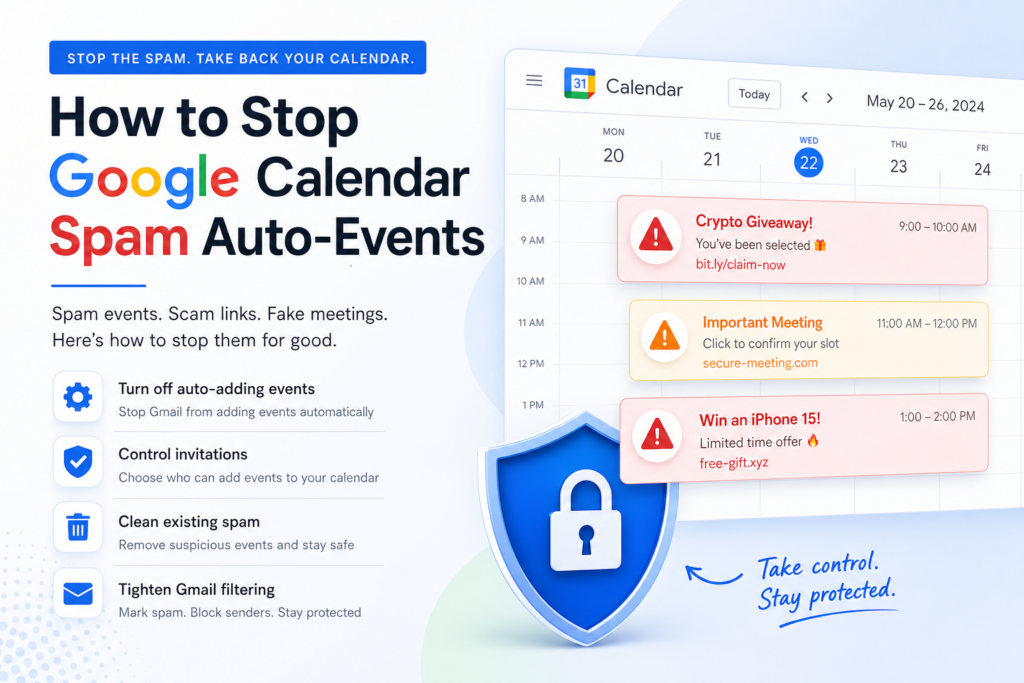
What makes this dangerous
This isn’t just annoying. It’s risky.
- You get notifications for fake events
- Events often contain scam links
- It looks legit because it’s inside your calendar
- You might click without thinking
It’s a clever attack because it bypasses your inbox filters. (coming from google itself)
Step 1: stop auto-adding events
Go to Google Calendar settings:
- Open Google Calendar
- Click Settings
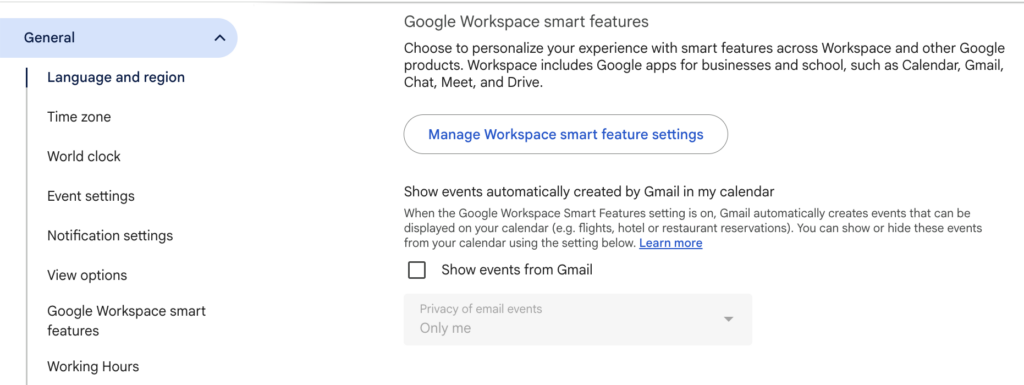
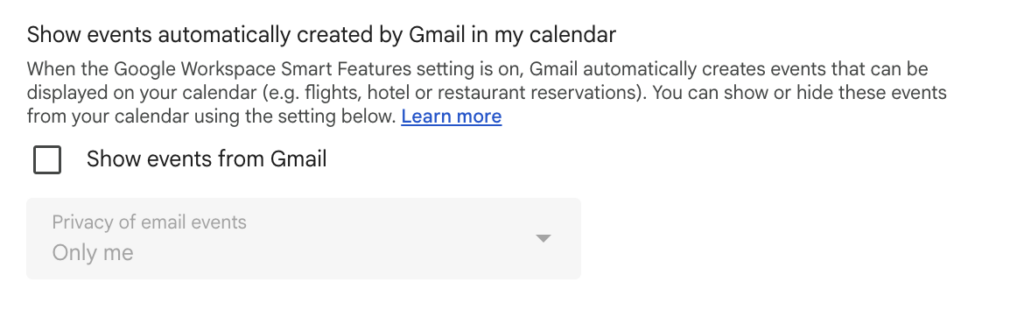
- Find “Events from Gmail”
- Turn OFF:
→ “Automatically add events from Gmail to my calendar”
This is the main switch. Turn it off.
Step 2: control invitations
Next, limit who can add events to your calendar.
- Go to Event settings
- Find “Automatically add invitations”
- Select:
→ “No, only show invitations to which I have responded”
This stops random invites from appearing automatically.
Step 3: clean existing spam
Now remove what’s already there:
- Open your calendar
- Delete suspicious events
- Don’t click any links inside them
If needed, mark related emails as spam in Gmail so it learns faster.
Step 4: tighten gmail filtering
Since this starts in Gmail:
- Mark suspicious invites as spam
- Block repeat senders
- Avoid interacting with unknown calendar invites
You can also use ActorDo for filtering-out Gmail automatically.