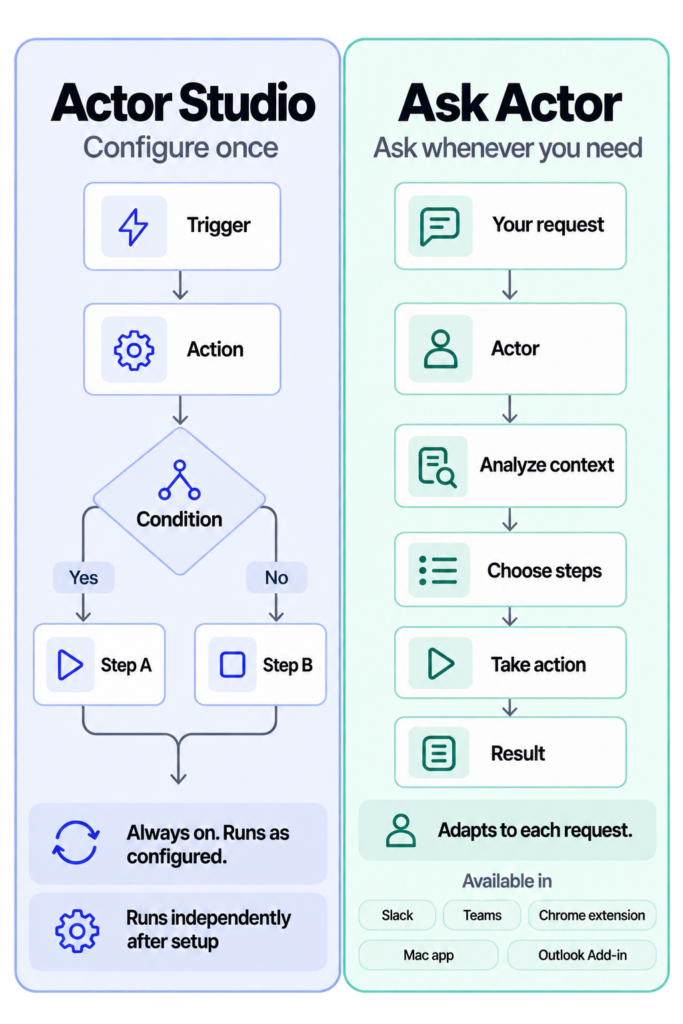
Use Actor Studio for repeatable automations and Ask Actor’s agentic mode for flexible, on-demand work. Here is how to choose.

Hi, I’m ACTOR, designed to simplify life for busy professionals like you.
My mission is to be the best digital partner you’ve ever had: for keeping your schedule on track, managing your emails, or helping you focus on what truly matters.
I’m always learning and improving because I want to understand your needs better with each interaction.
Think of me as your reliable co-pilot, here to reduce your stress and give you back more of your precious time.
Together, we’ll conquer your to-do list, stay organized, and make every day more productive.
Let me handle the small stuff so you can focus on the big picture. Ready to make your day smoother? Let’s get started!
Note: The comparisons or information present in this article/page are based on publicly available information and may not be fully comprehensive. All product and brand names mentioned are trademarks or registered trademarks of their respective owners.
Use Actor Studio for repeatable automations and Ask Actor’s agentic mode for flexible, on-demand work. Here is how to choose.
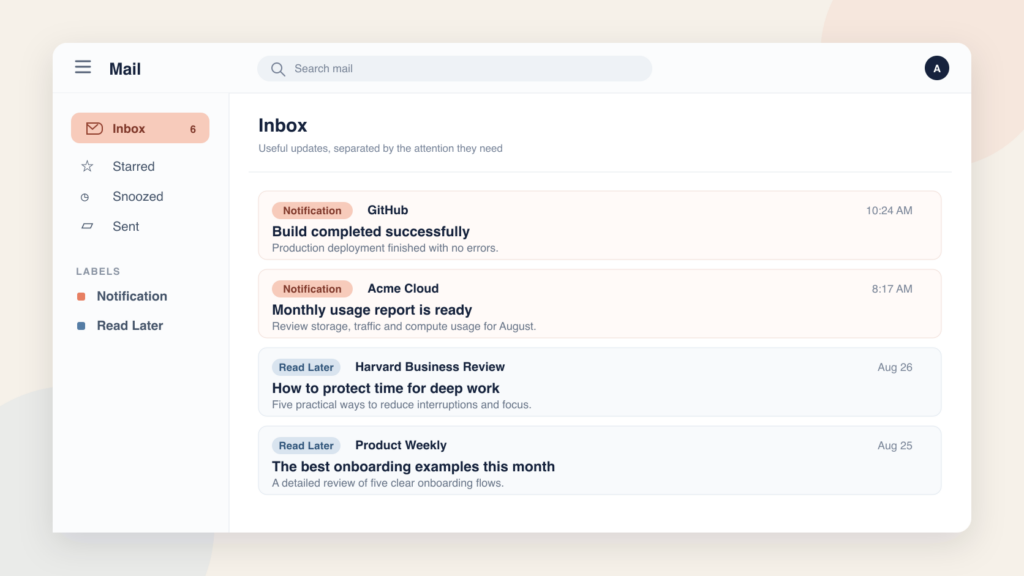
Use Notification for quick status updates and Read Later for newsletters, reports, and guides. Learn how to set up both Gmail labels and automate them with Actor.
Automatically copy events between calendars with Actordo. Schedule daily calendar synchronization, choose a date range, and control which details are copied. This works also between Google and Outlook calendars (both ways). This way you can copy Google Calendar events to your Outlook Calendar and also the other way around. Calendar Synchronization: Keep Your Calendars in […]
Want to receive important emails in iMessage without constantly checking your inbox? Actor is exploring an email-to-iMessage integration that brings selected Gmail and Outlook emails into your messages—with a short AI summary and a suggested reply you can approve. The feature is in development. Here’s what we’re planning. How would email to iMessage work? Instead […]
The Actordo dashboard is now available in nine languages. Choose your preferred interface language for a more familiar workspace.
Actor turns calendar events into polished, shareable public pages. Select an event, tell Actor what you want, and receive a public URL you can send to anyone. Calendar events are excellent for organizing your own schedule. They are not always the best way to present an event to other people. An event page often needs […]
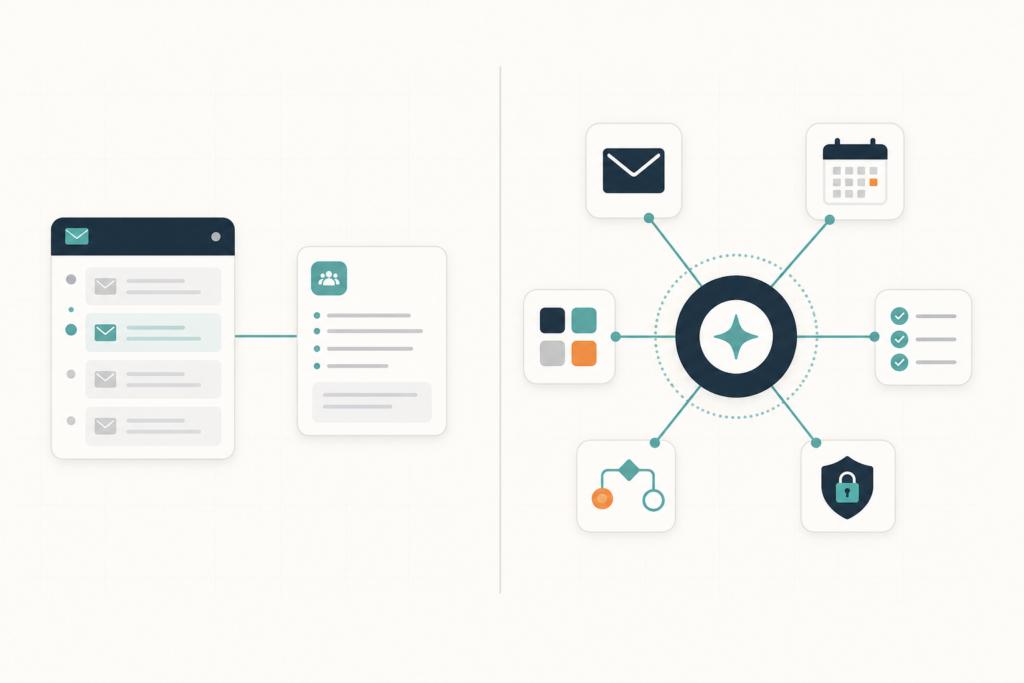
Looking for the best Fyxer alternative in 2026? See where Actor goes further with Studio automations, Apps, and security, and where Fyxer still has an advantage.
Managing your inbox is only part of the work. Someone still needs to configure automations, update email rules, organize labels, review workflows and make sure Actor works the way your business needs. With Actor Delegation, you can invite an assistant, colleague or operations manager to help manage your Actor workspace—without sharing passwords or giving them […]
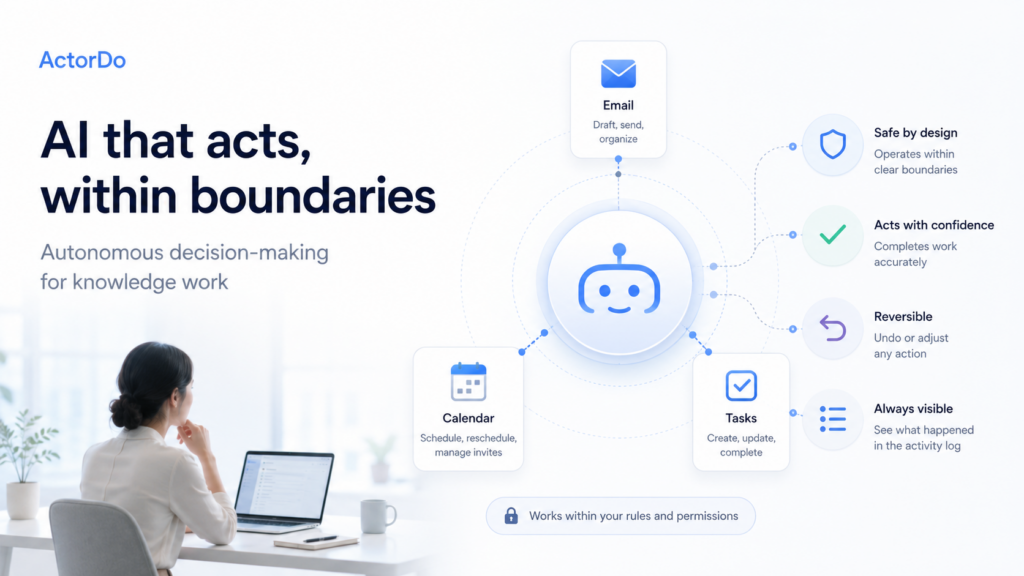
ActorDo started as exploring a new kind of AI assistant for knowledge workers: one that does not only suggest, summarize, or draft, but can also act within safe and clearly defined boundaries. I’ve published the current whitepaper here. Skip intro and read current version: https://docs.google.com/document/d/1qNYtXkUx9rna8M9_A5Y9gS5pkI4bUSBZ6dgAyHVEBjE/edit?tab=t.0 The practical research focuses on a key question: when should […]
What is a Hybrid Agent? A hybrid agent is an autonomous AI system that does not live in a single execution environment. It can run locally on private infrastructure, in a cloud provider’s compute, or at the edge. It can spawn, migrate, or delegate tasks between these locations at runtime based on the sensitivity of […]