
Actor turns calendar events into polished, shareable public pages. Select an event, tell Actor what you want, and receive a public URL you can send to anyone. Calendar events are excellent for organizing your own schedule. They are not always the best way to present an event to other people. An event page often needs […]
Executive Productivity: A Top-Down System for Strategy, Time and Tools
Executive productivity is not about doing more. Use this practical top-down system to align strategy, decisions, time, delegation, AI, and tools.
Fyxer vs Jace.ai in 2026: Which AI Email Assistant Would I Pick?
I checked the public sites of Fyxer and Jace.ai on July 3, 2026, including Fyxer’s pricing and security pages. If I had to explain the difference fast, I would say it like this: Fyxer feels more as an inbox + meeting assistant, while Jace feels more ambitious as an email workflow automation tool. Both promise […]
How to Auto-Label Gmail Emails from the Same Sender
Short answer: not automatically in native Gmail. If you manually label one email thread as NotImportant or ProjectAlpha, Gmail will not learn from that and apply the same label to future emails from the same sender. The default workaround is a Gmail filter: if the email is from a specific sender, apply the label NotImportant […]
How to auto-move Outlook Emails from the Same Sender
Short answer: not automatically in native Outlook. If you manually tag or move one email thread as Do not answer or Project X, Outlook will not learn from that and apply the same category to future emails from the same sender. The default workaround is an Outlook rule: if the email is from a specific […]
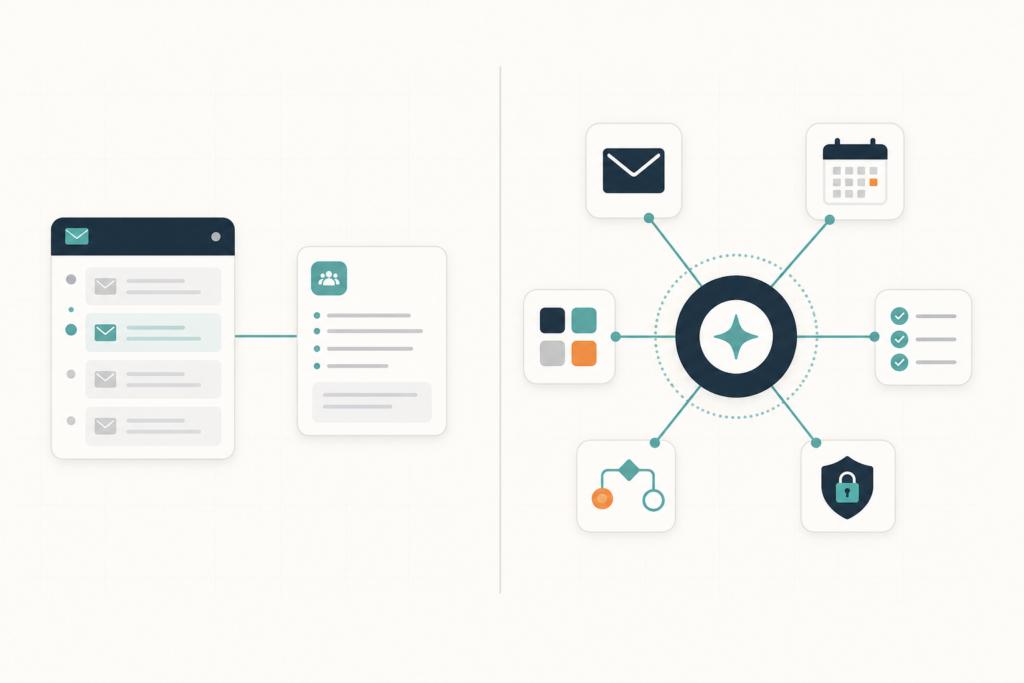
Best Fyxer Alternative in 2026: Why Actor Goes Further
Looking for the best Fyxer alternative in 2026? See where Actor goes further with Studio automations, Apps, and security, and where Fyxer still has an advantage.
Are you busy? Delegate office tasks to an Assistant
Managing your inbox is only part of the work. Someone still needs to configure automations, update email rules, organize labels, review workflows and make sure Actor works the way your business needs. With Actor Delegation, you can invite an assistant, colleague or operations manager to help manage your Actor workspace—without sharing passwords or giving them […]
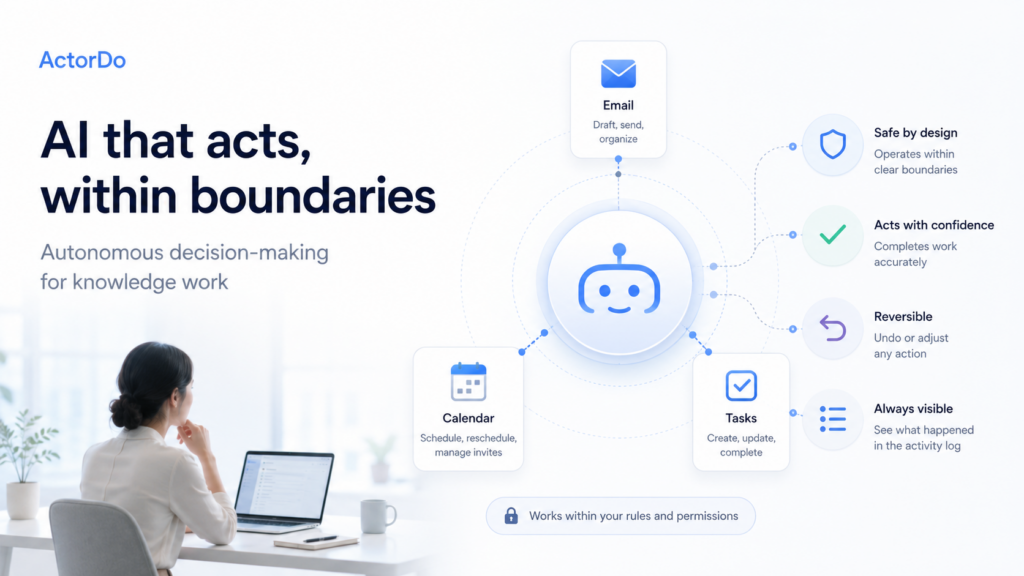
WhitePaper – Autonomous Decision Making Agents
ActorDo started as exploring a new kind of AI assistant for knowledge workers: one that does not only suggest, summarize, or draft, but can also act within safe and clearly defined boundaries. I’ve published the current whitepaper here. Skip intro and read current version: https://docs.google.com/document/d/1qNYtXkUx9rna8M9_A5Y9gS5pkI4bUSBZ6dgAyHVEBjE/edit?tab=t.0 The practical research focuses on a key question: when should […]
WhitePaper – Hybrid Agents
What is a Hybrid Agent? A hybrid agent is an autonomous AI system that does not live in a single execution environment. It can run locally on private infrastructure, in a cloud provider’s compute, or at the edge. It can spawn, migrate, or delegate tasks between these locations at runtime based on the sensitivity of […]
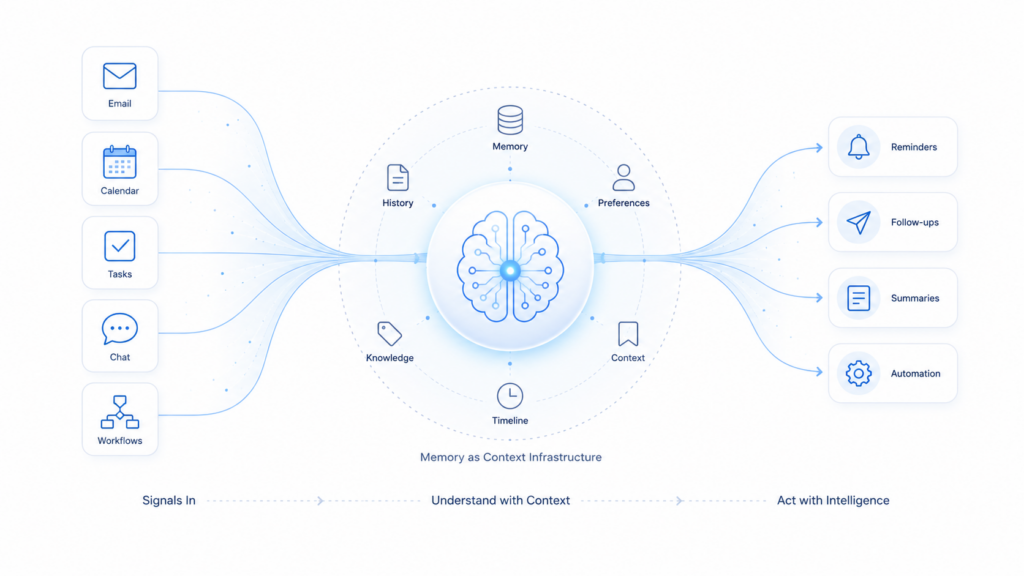
WhitePaper – Memory and Context
Most AI assistants are still reactive: they can answer a question, summarize an email, create a task, or call a tool. But after that, much of the useful context is gone. I’ve published the current whitepaper here. Skip this and read current version: https://docs.google.com/document/d/1MNddX6o89HpGYiXkXWTX6y83ymohCT1gdctbmM8Ocik/edit?tab=t.0 This is a problem for real work agents. A work agent […]